Copy of Open Limit Orders Efficiently in Numkts Platform
This video explains how to open a limit order using the New Markets trading platform.
Go to app.numkts.trading
1. Introduction
You will learn the step-by-step process to place buy or sell limit orders effectively.
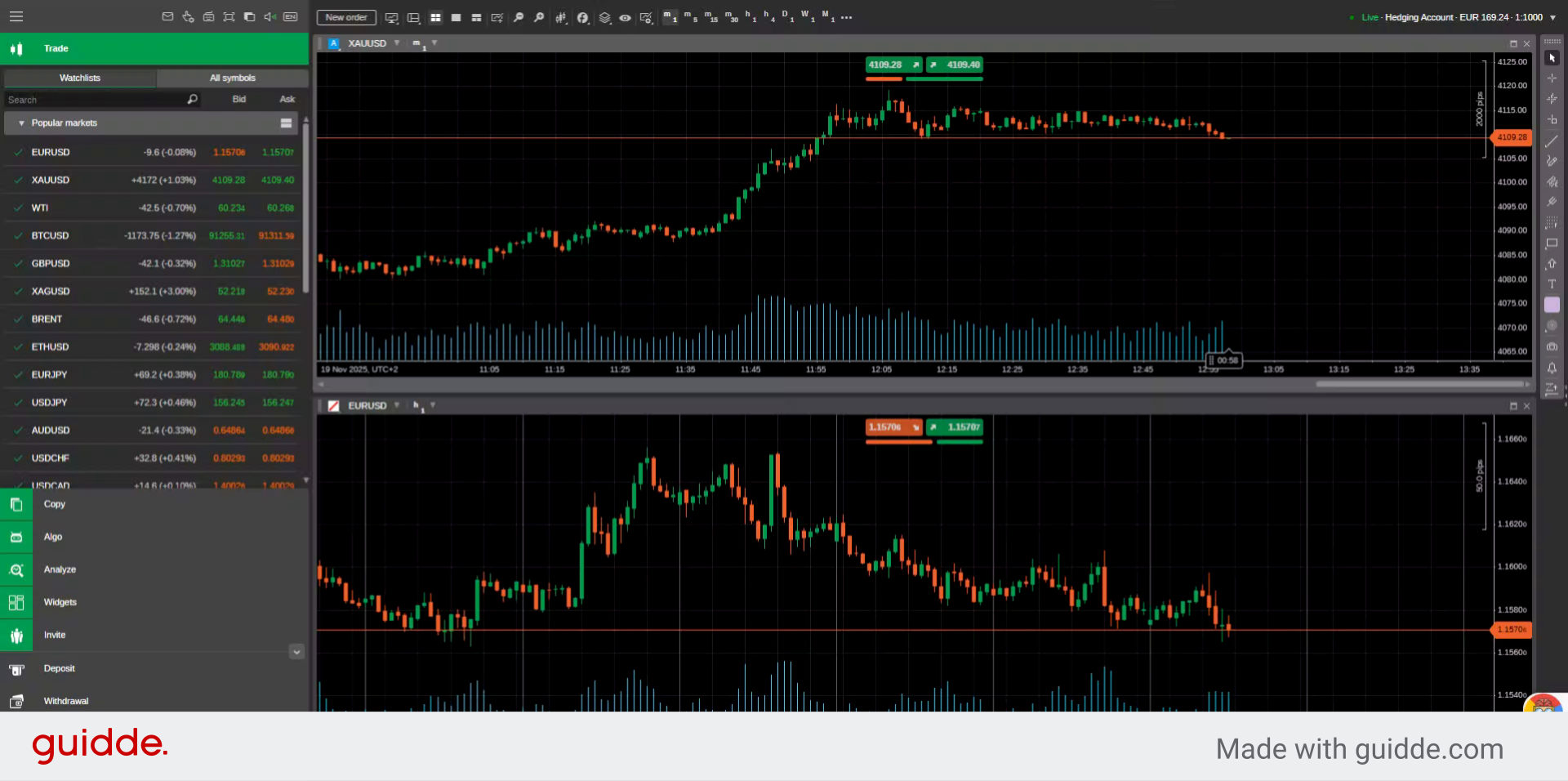
2. Open New Order Window
Click the New order button on the top left of your screen to start creating a new trade order.
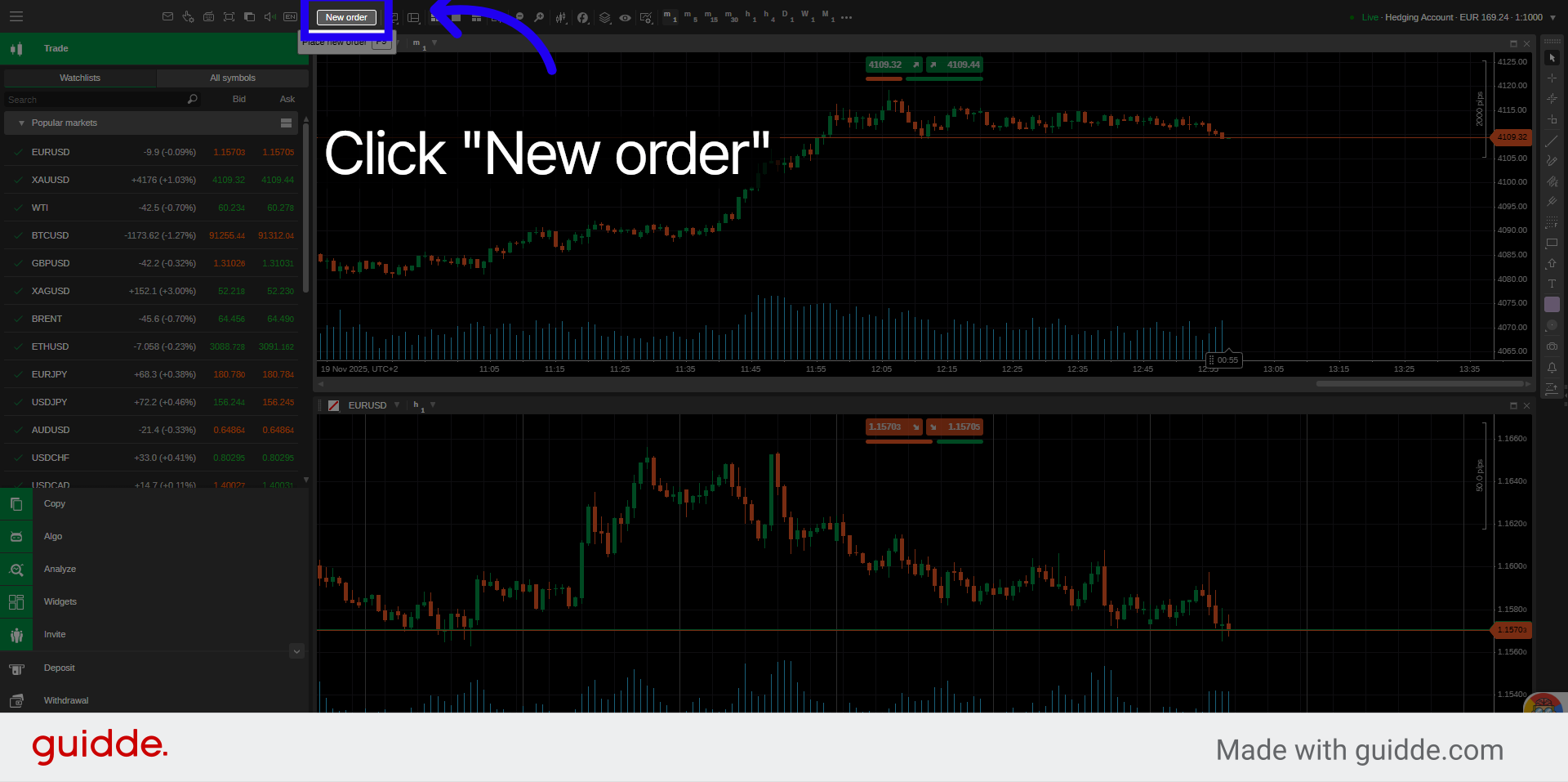
3. Select Limit Order Type
Click Limit Order to specify the parameters of the order you want to place.
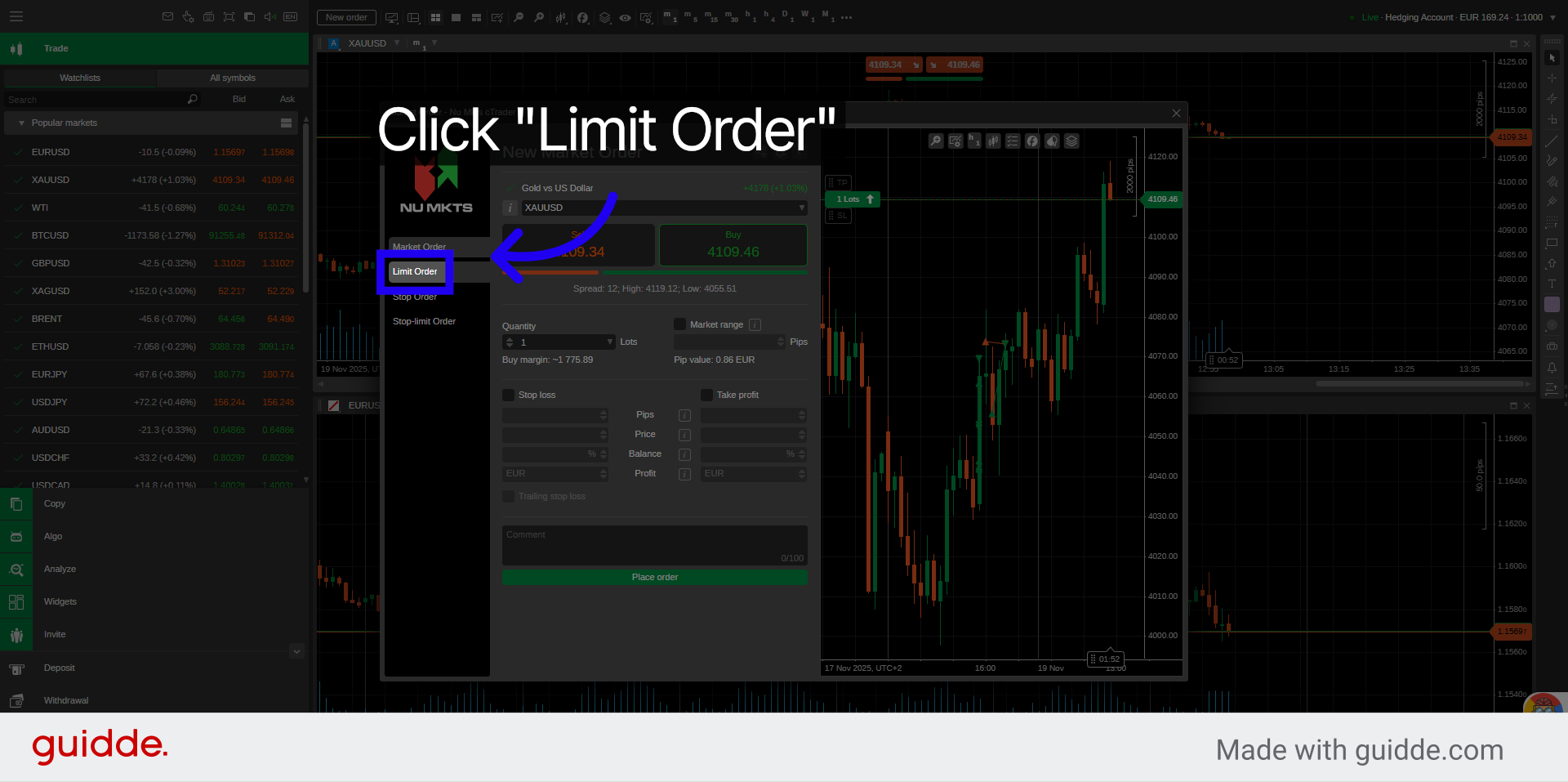
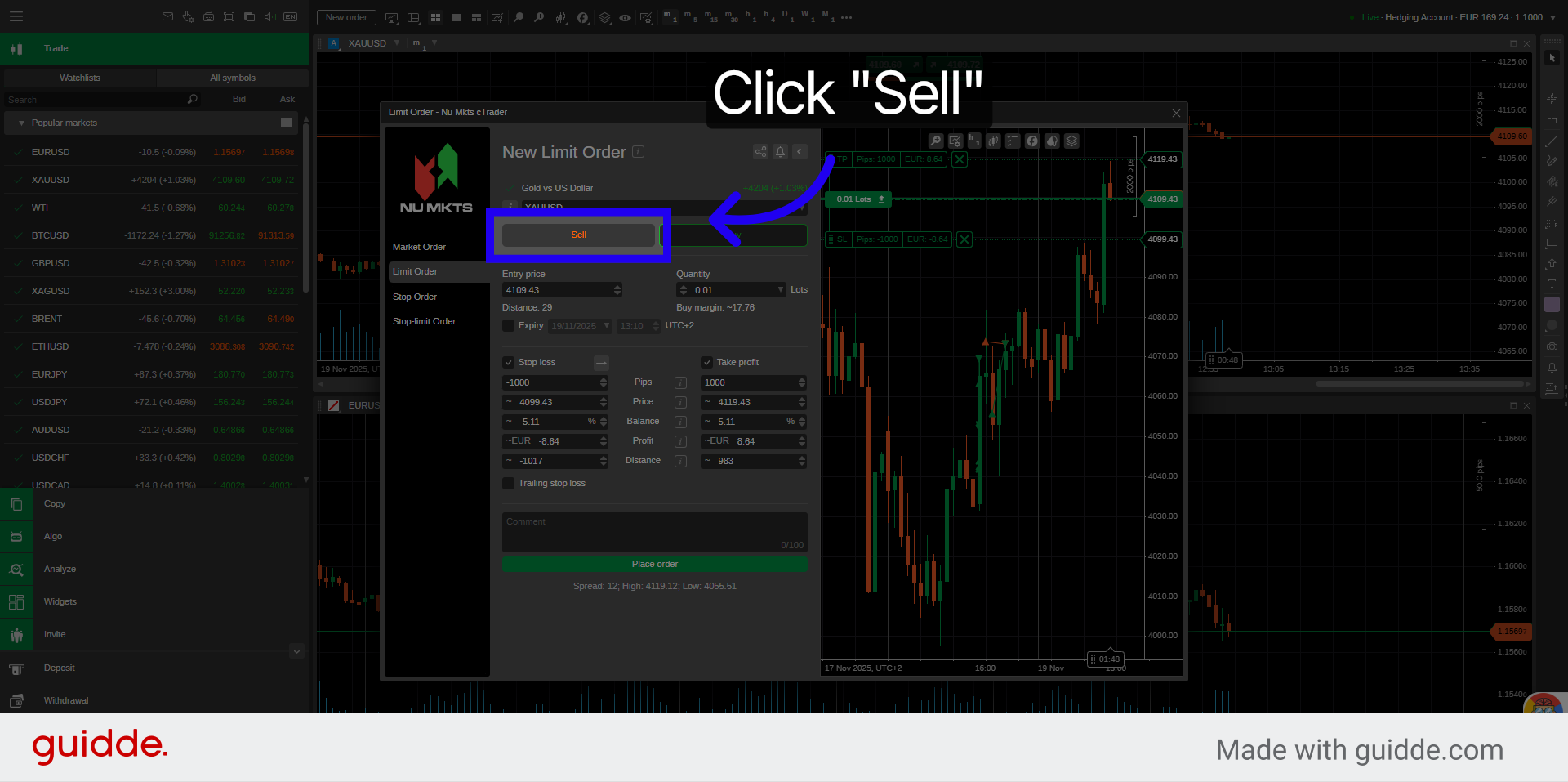
4. Choose Sell Option
Choose Sell if you want to set a Sell Limit order.
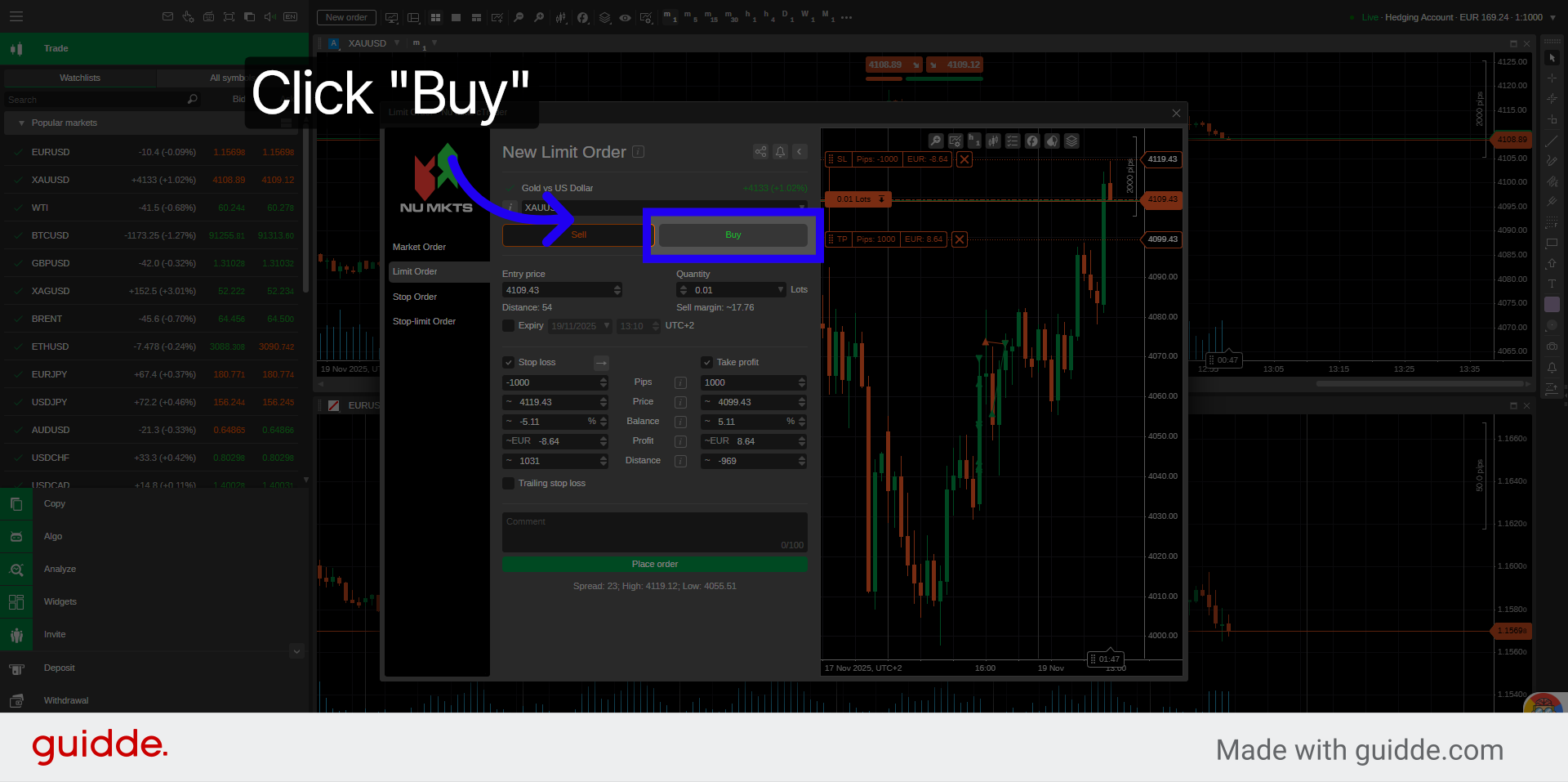
5. Choose Buy Option
Choose Buy if you want to set a Buy Limit order.
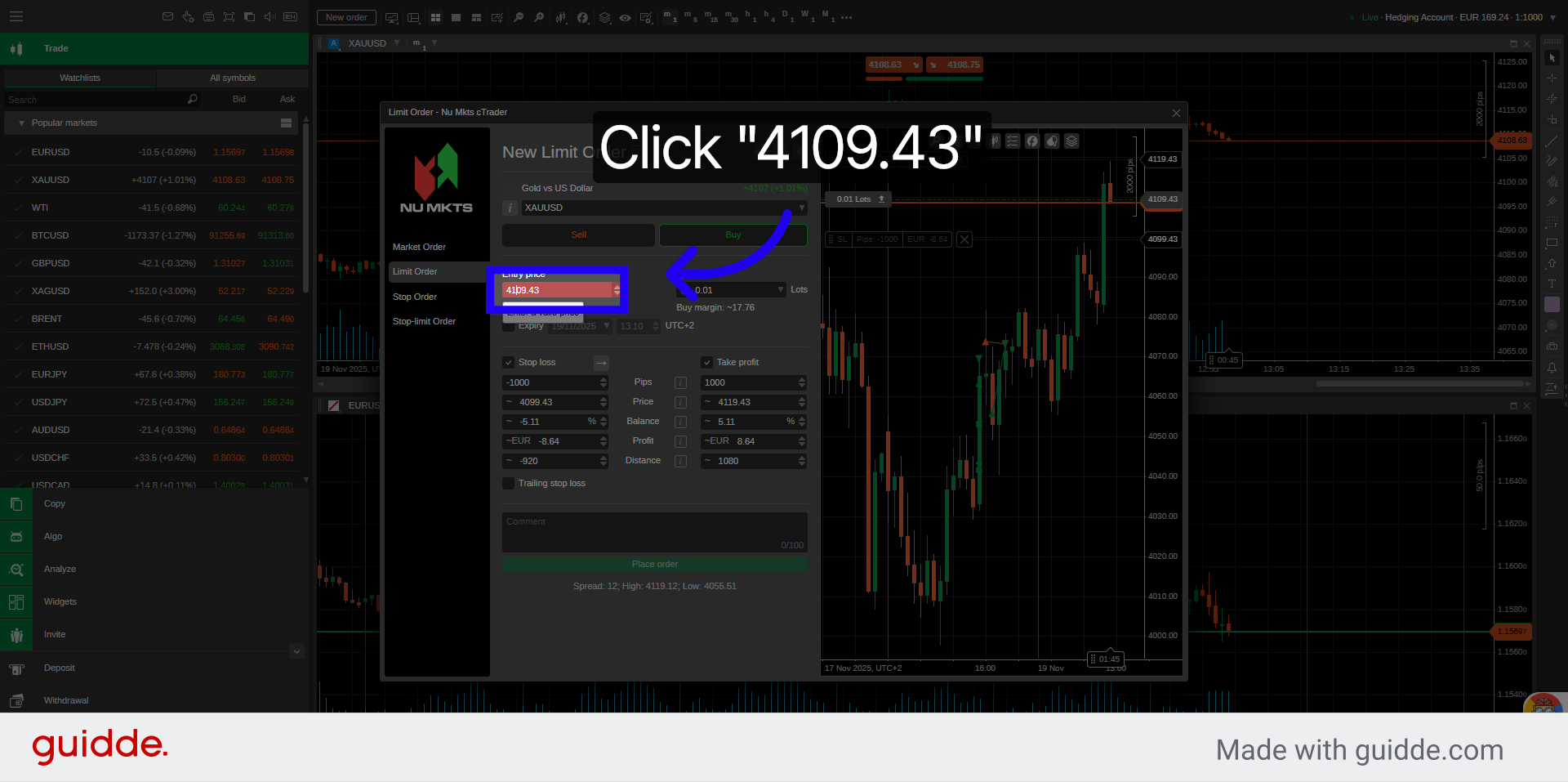
6. Select Price Field
Select the price field to specify the limit price for your order.
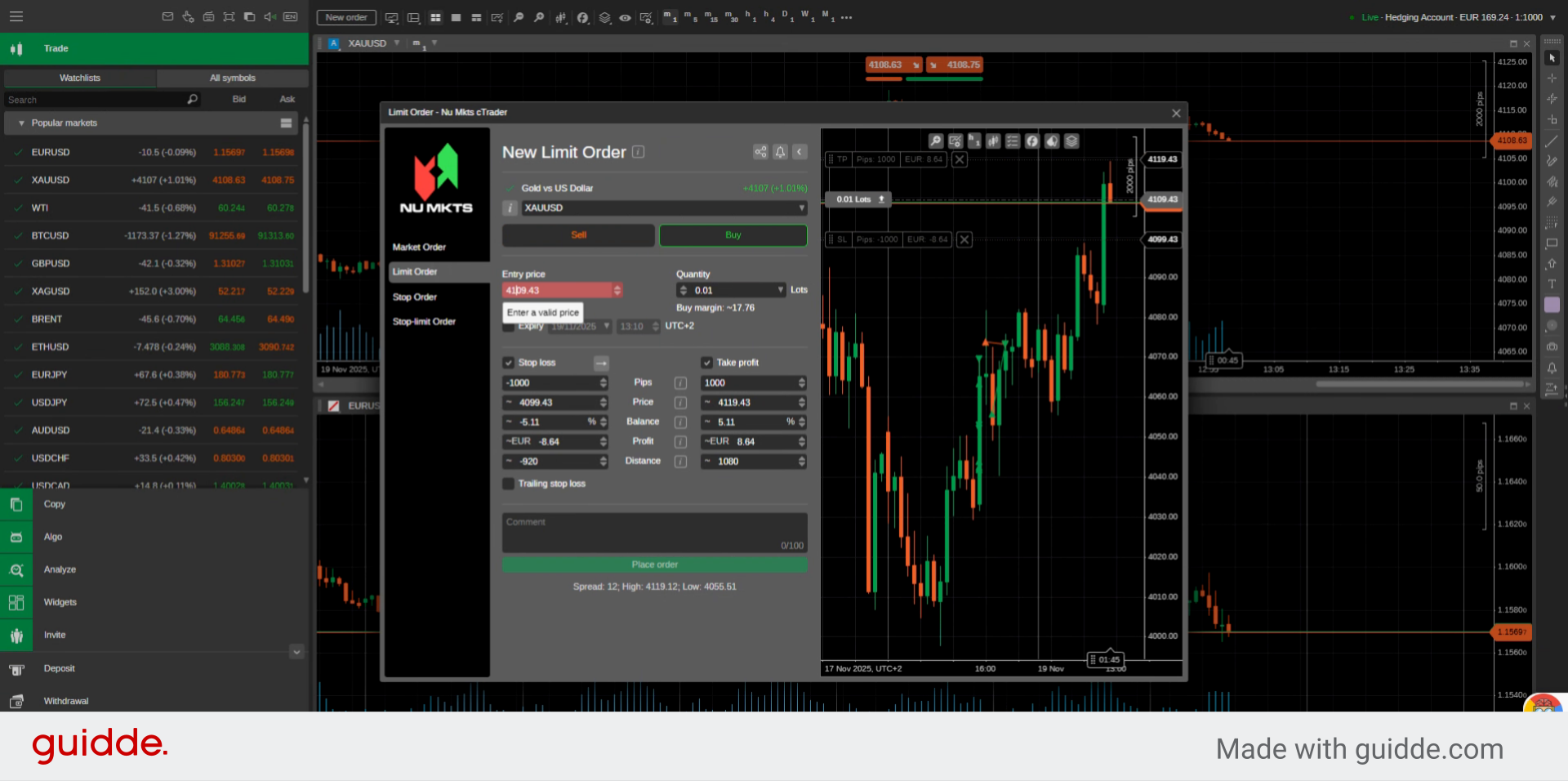
7. Enter Limit Price
Enter manually your desired limit price in the price field or by using the up or down arrows.
8. Open Quantity Menu
Click here to put the quantity or size of the order.
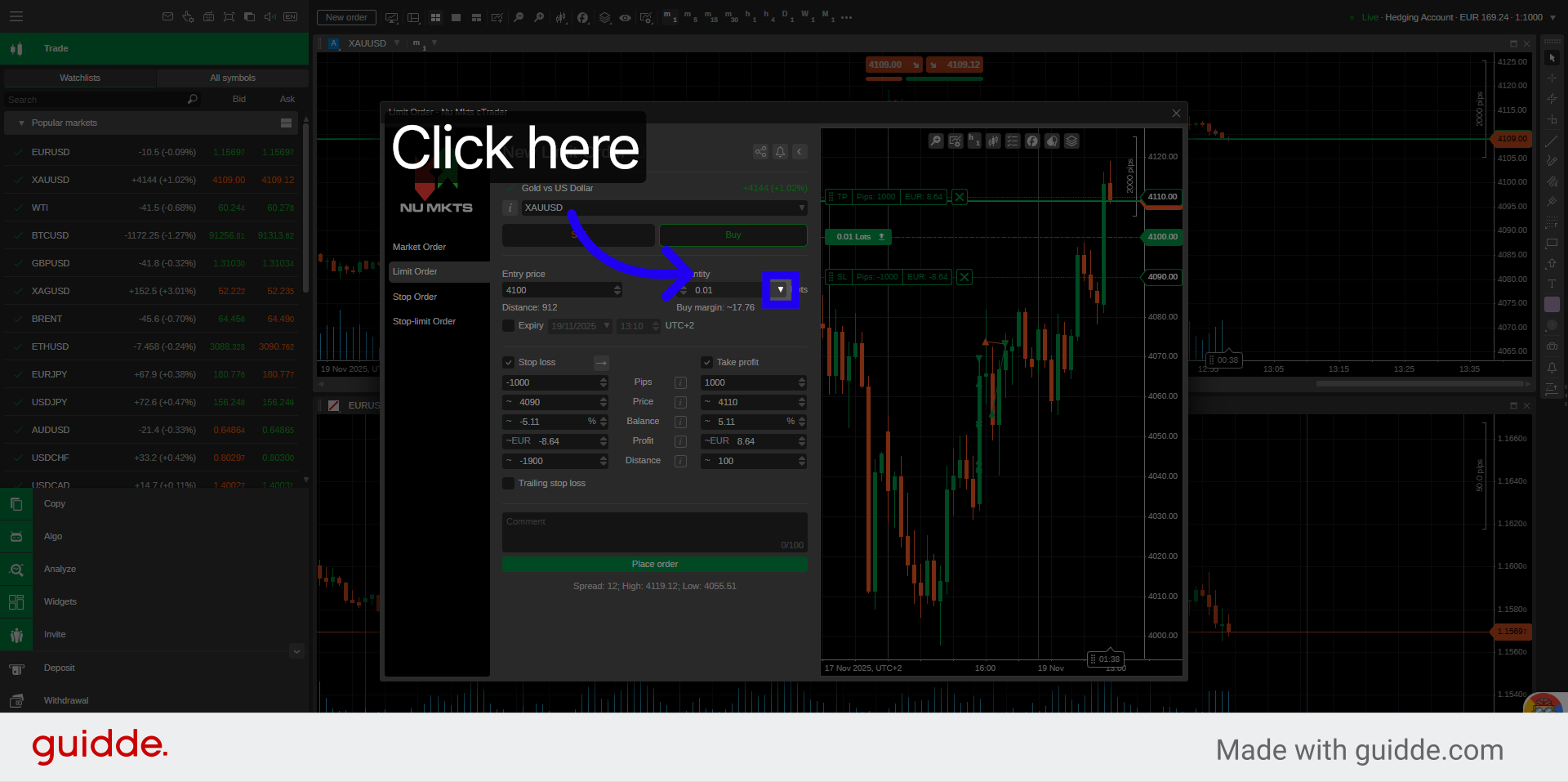
9. Select Order Quantity
Select the quantity from the dropdown options available in lots or volume.
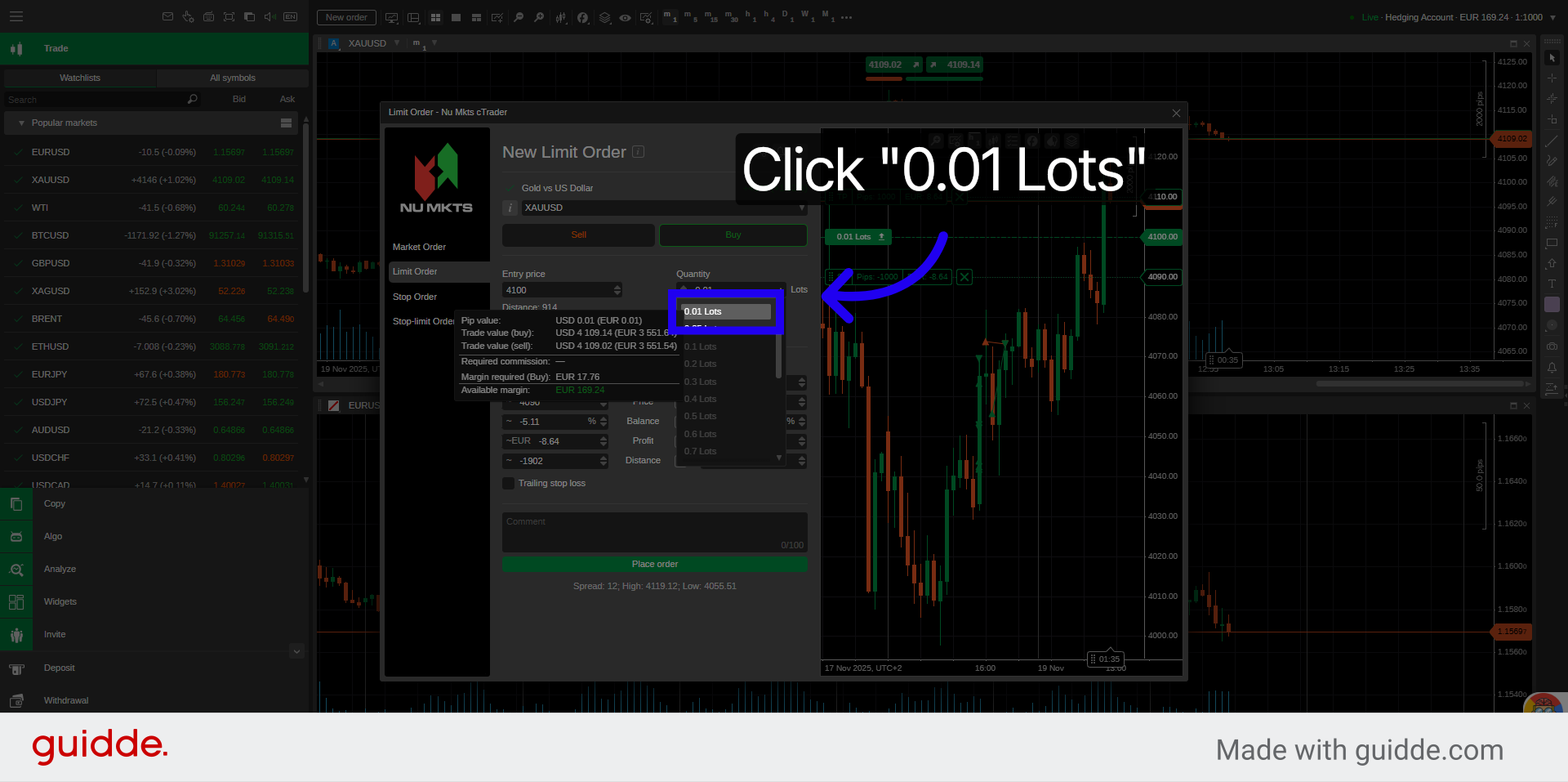
10. Open Expiry Options
Click here to set the expiration of the limit order or leave unchecked.
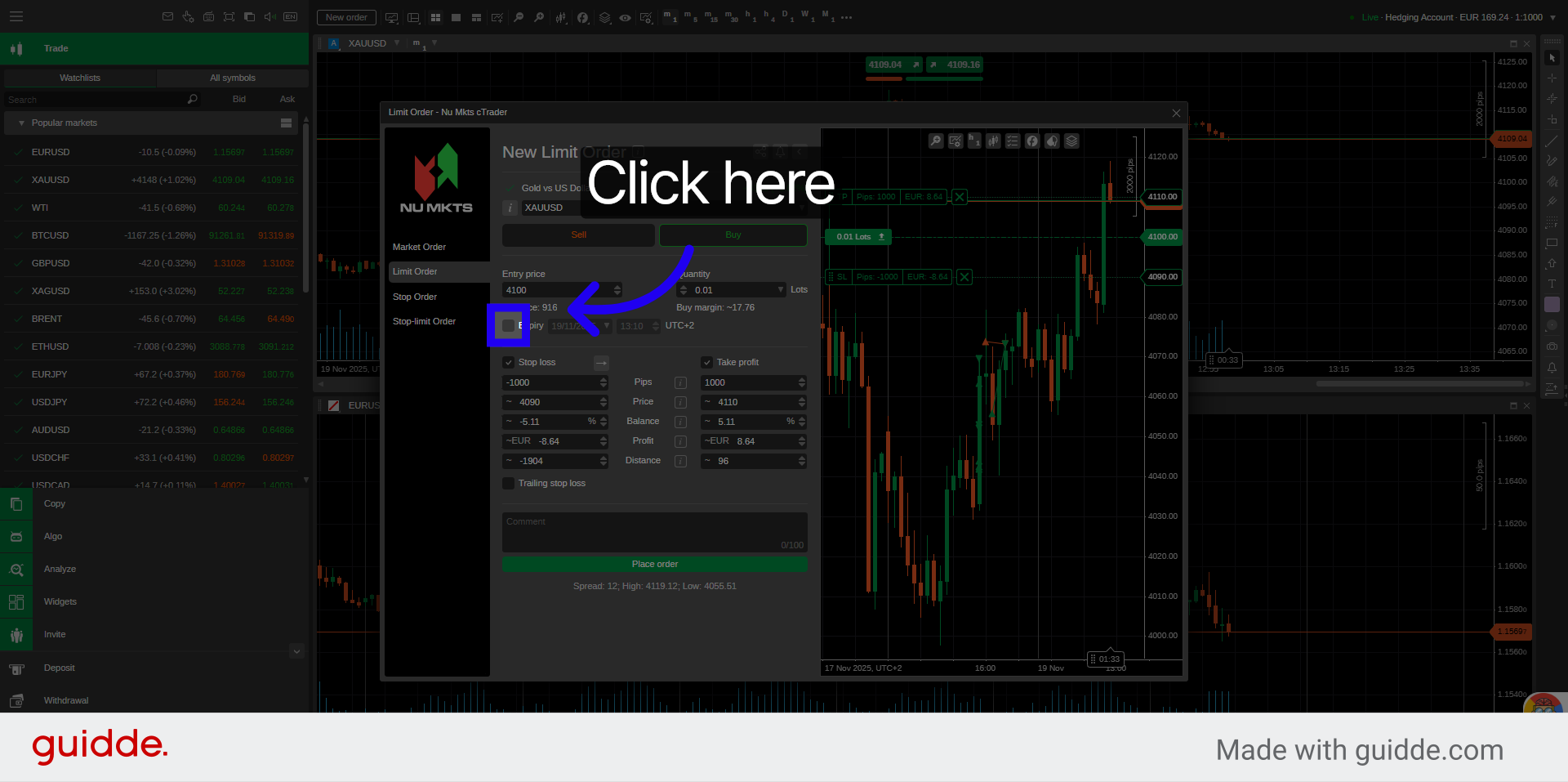
11. Access More Settings
Set the date and time of expiration.
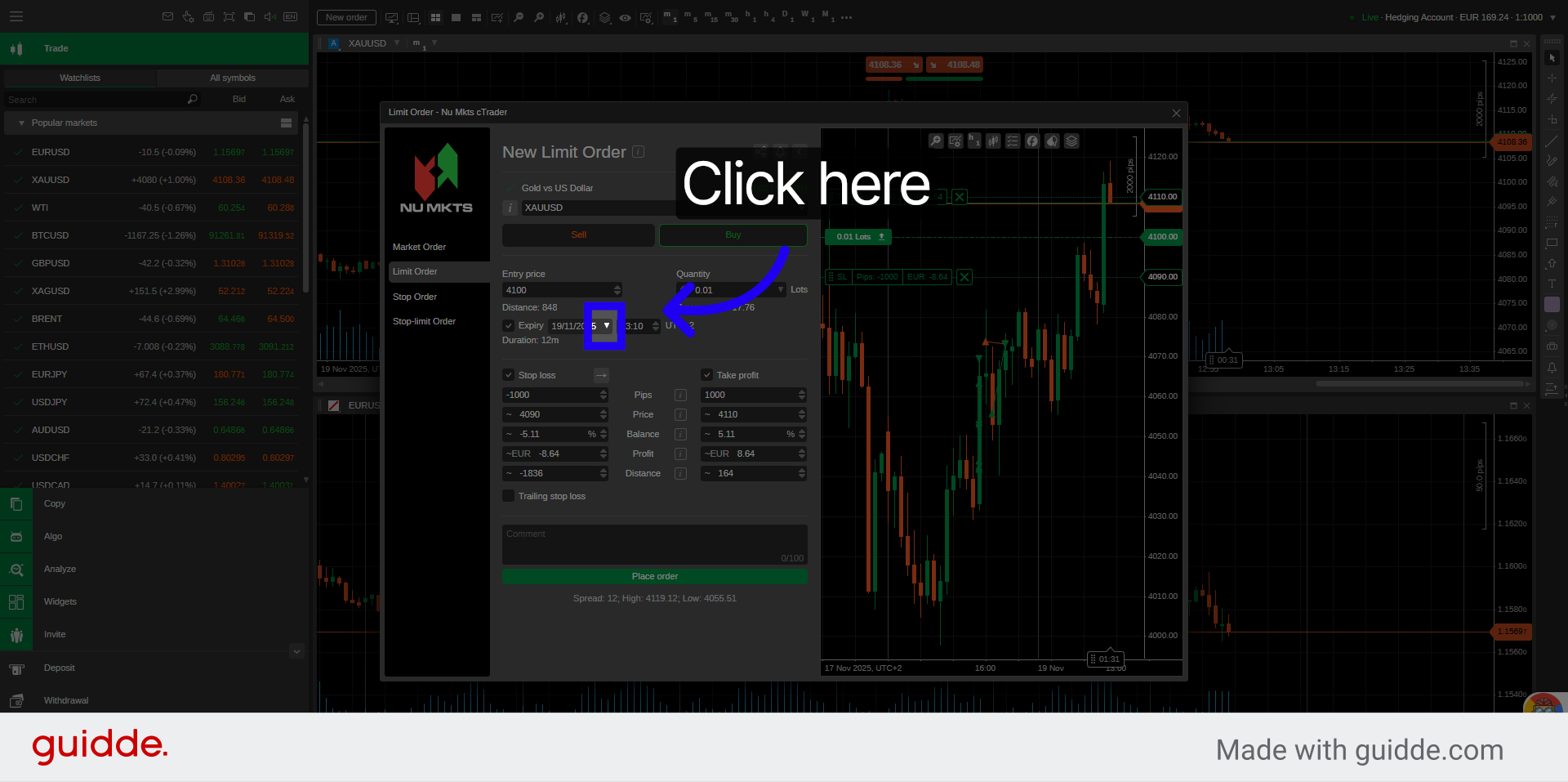
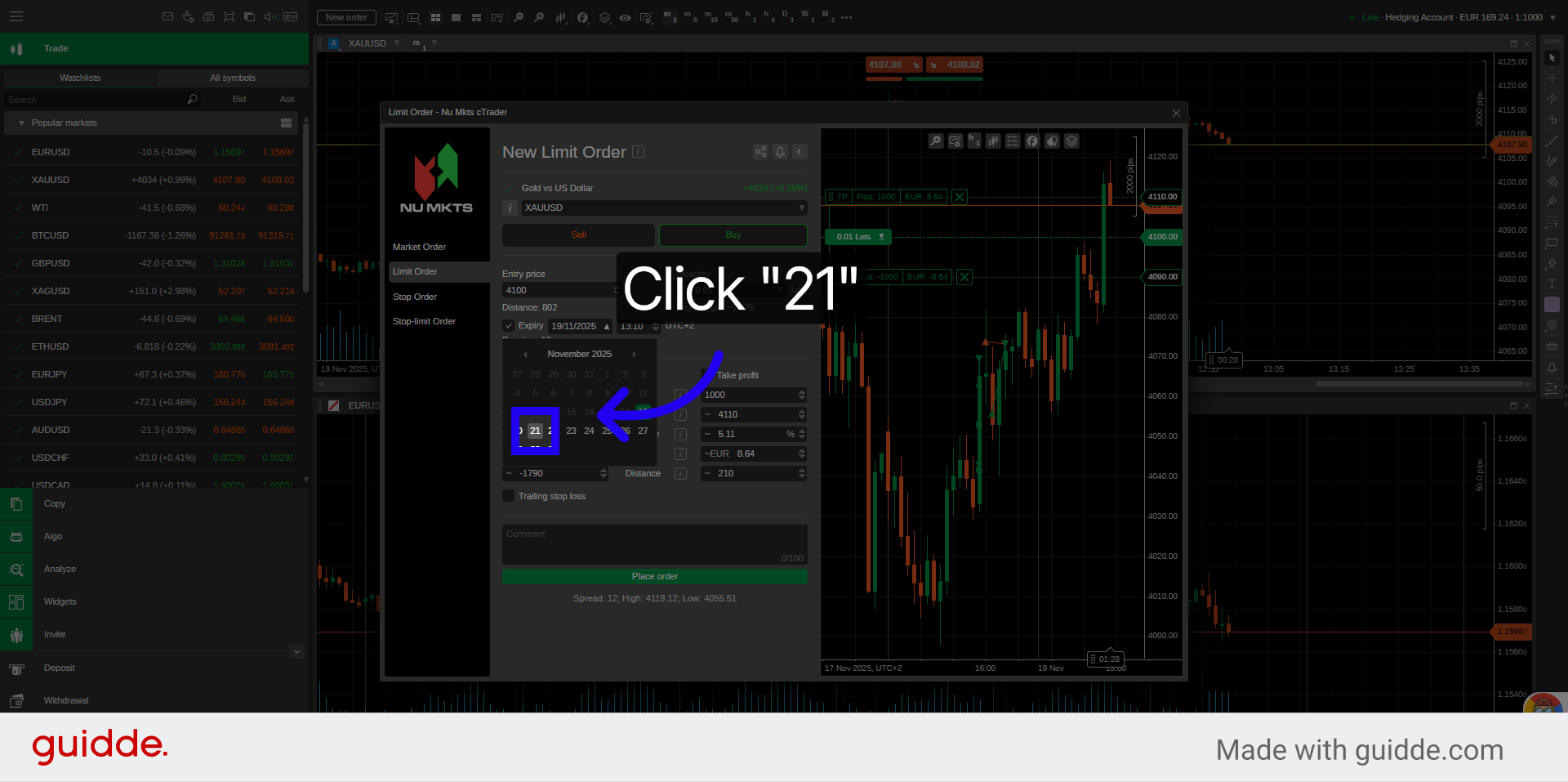
12. Select Expiration Day from Calendar
Select the day from the calendar to set the order expiration date.
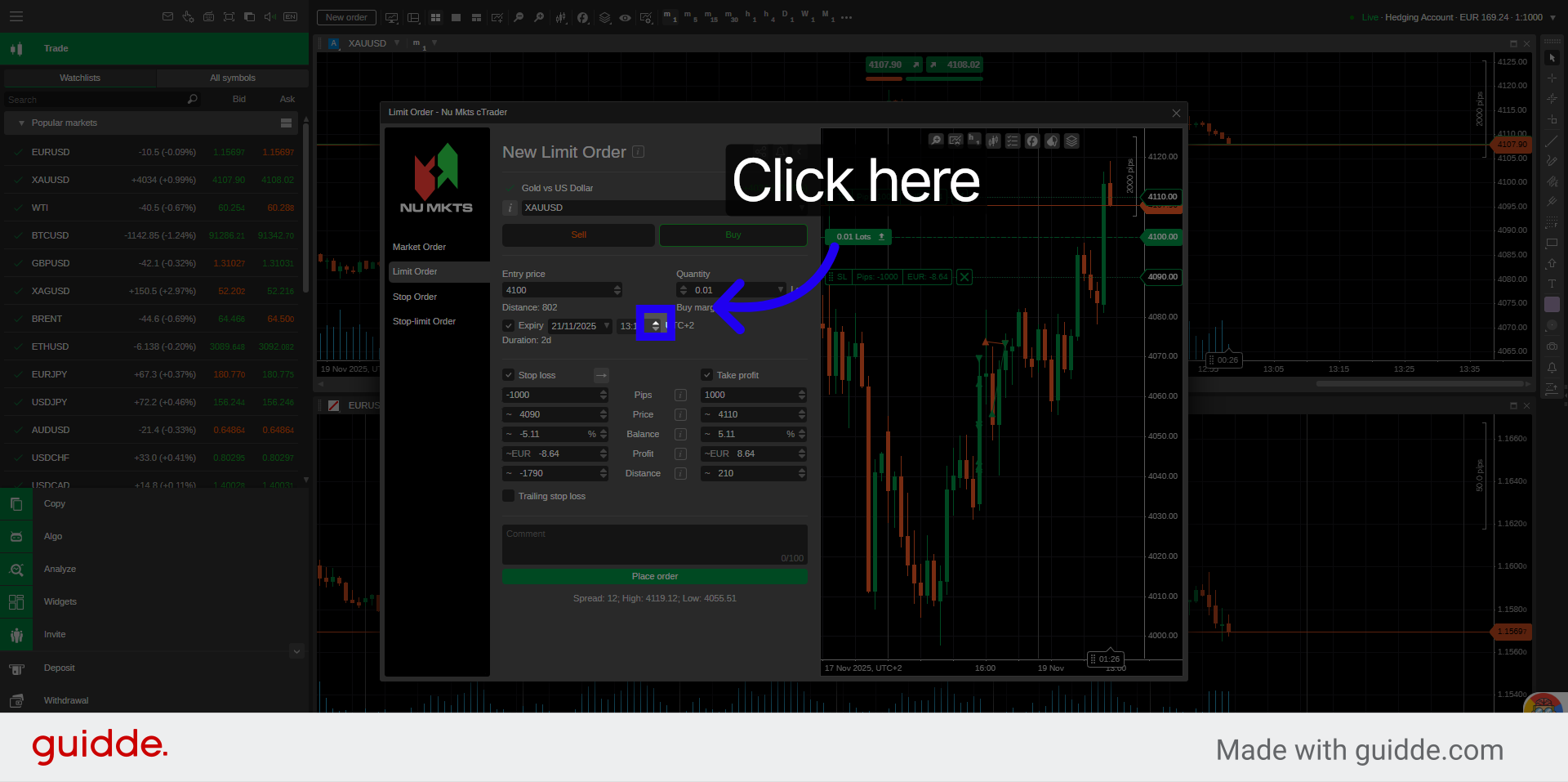
13. Time of Expiration
Select the time of expiration.
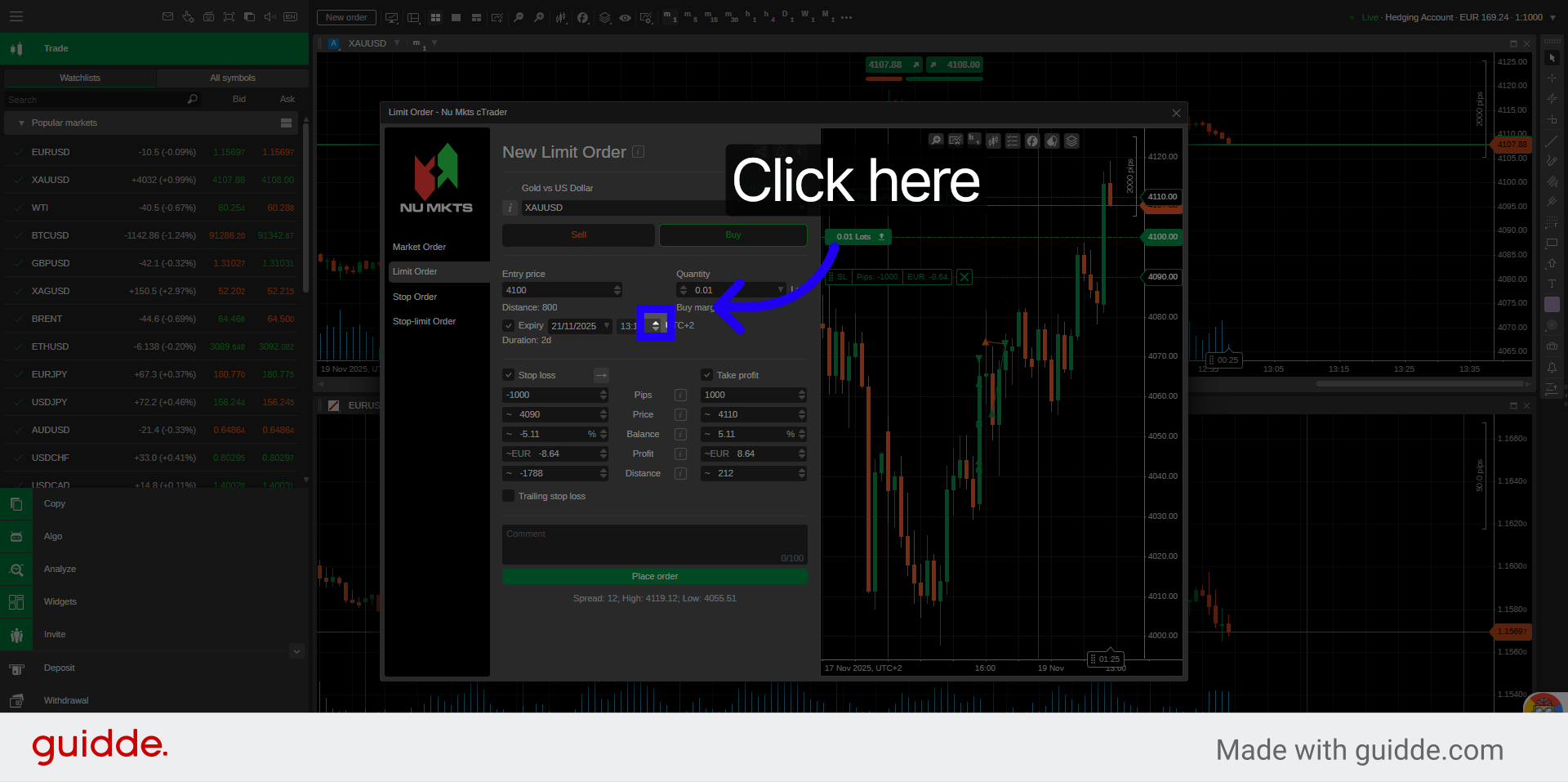
14. Access Final Settings
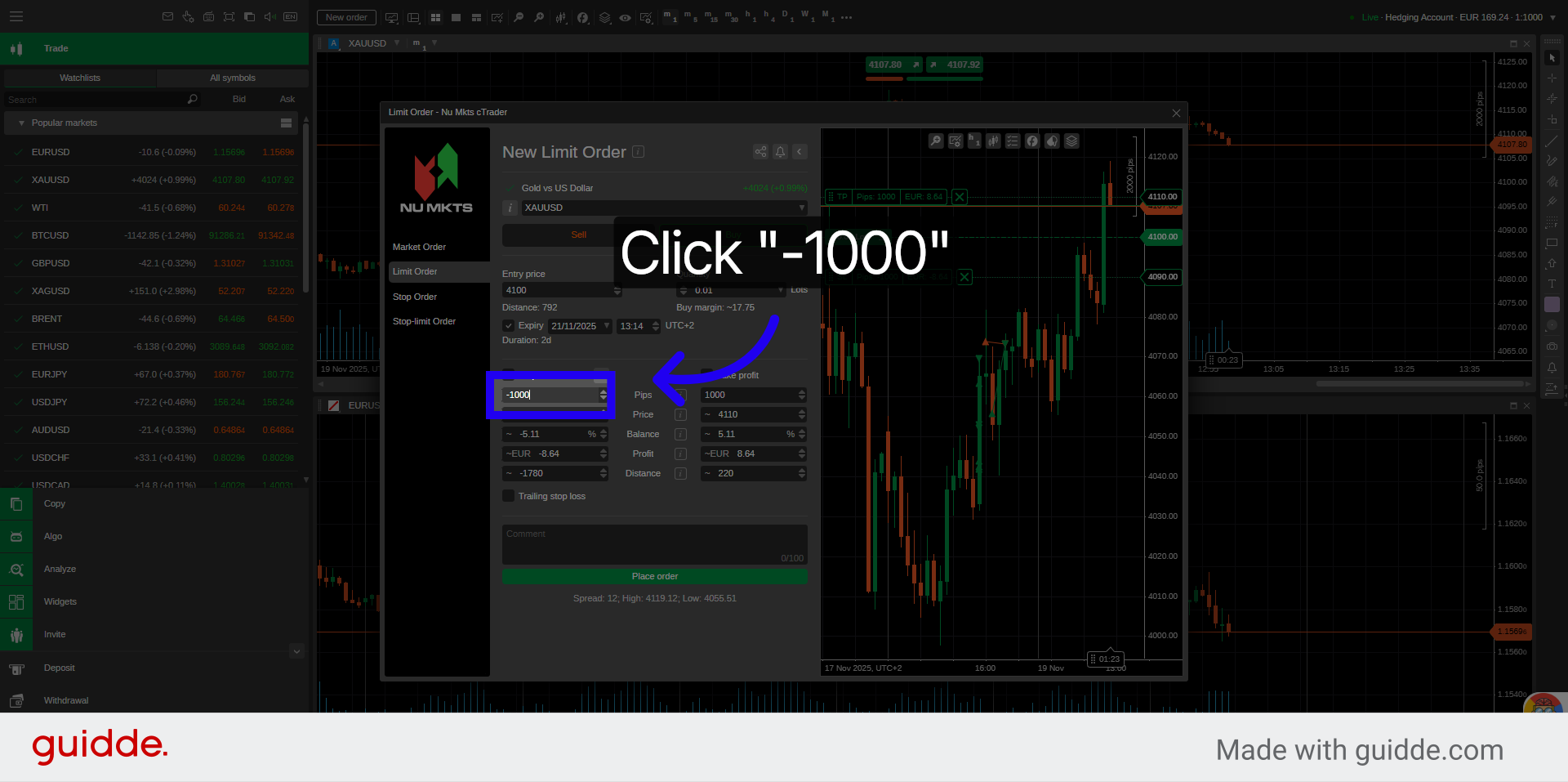
15. Set Stop Loss Value
Enter your stop loss value.
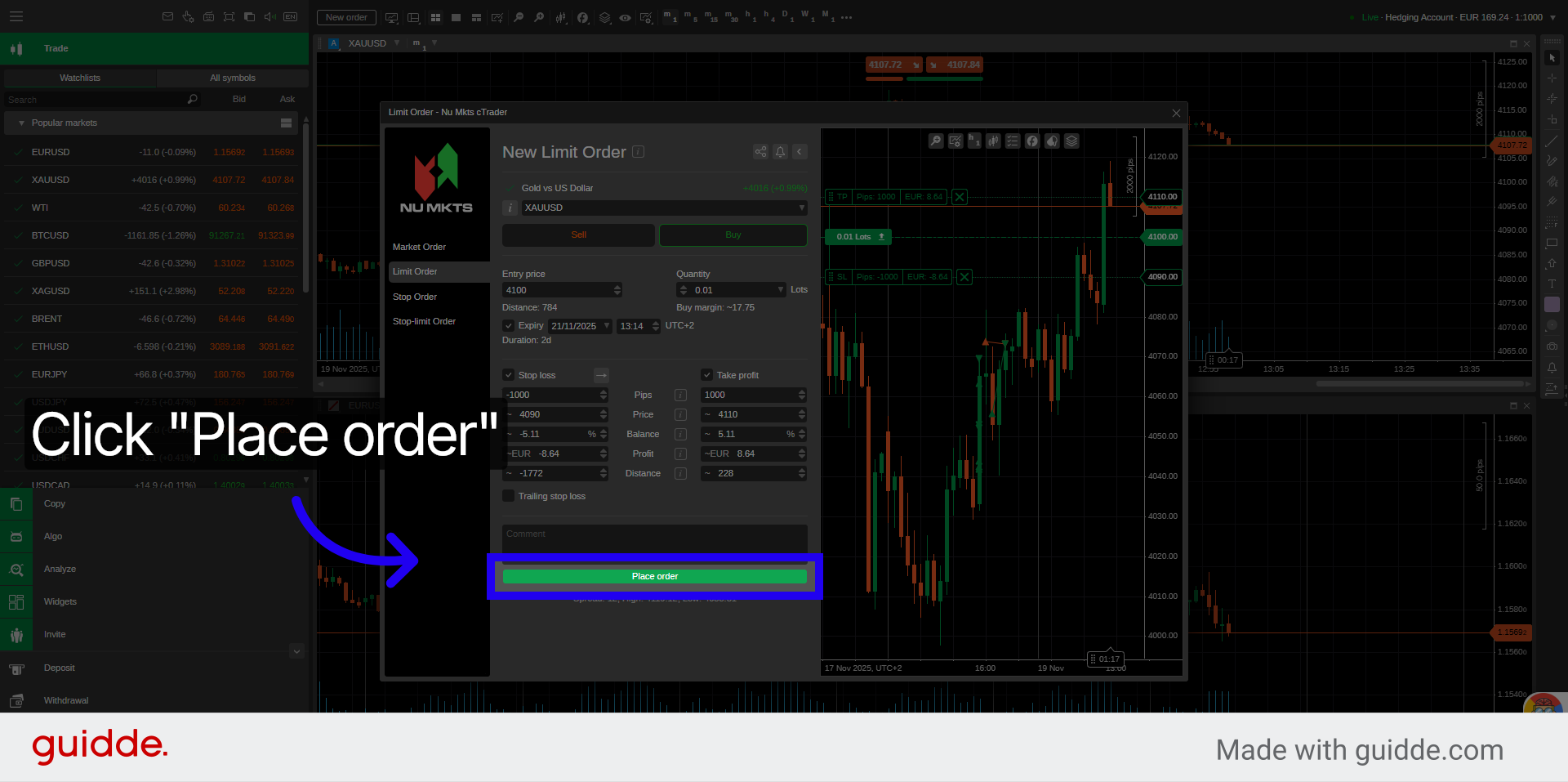
16. Place the Limit Order
Click Place order to submit your limit order for execution.
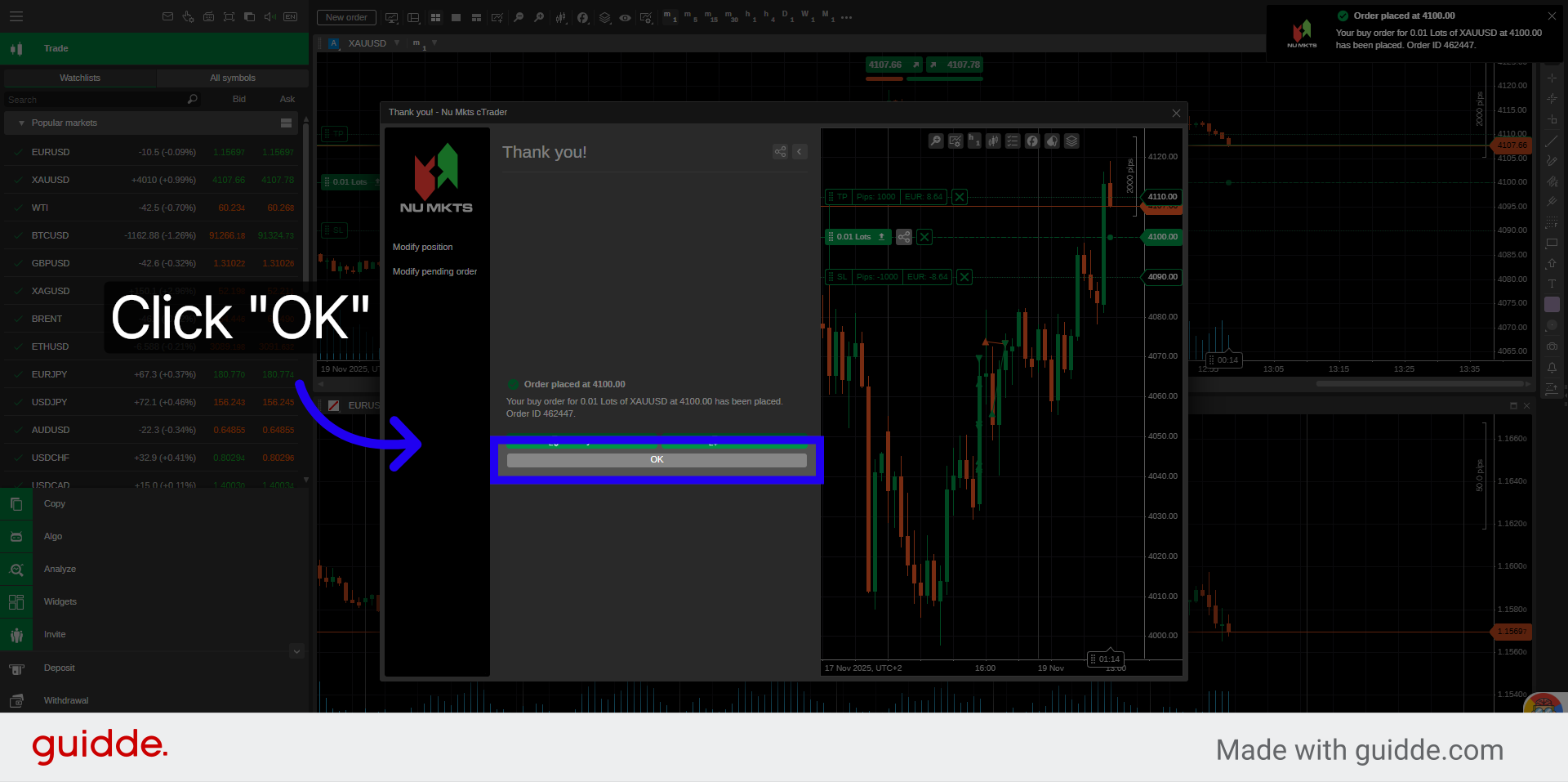
17. Confirm Order Placement
Click OK to complete the order placement process.
You have successfully learned how to open and place a limit order in the New Markets cTrader platform. For more information, refer to related articles on order management and trading strategies.