Copy Trade Setup and Execution in Numkts Platform
This video explains how to copy a trade using the cTrader platform by New Markets. You will learn the step-by-step process to select and start copying a trading strategy effectively.
Go to app.numkts.trading
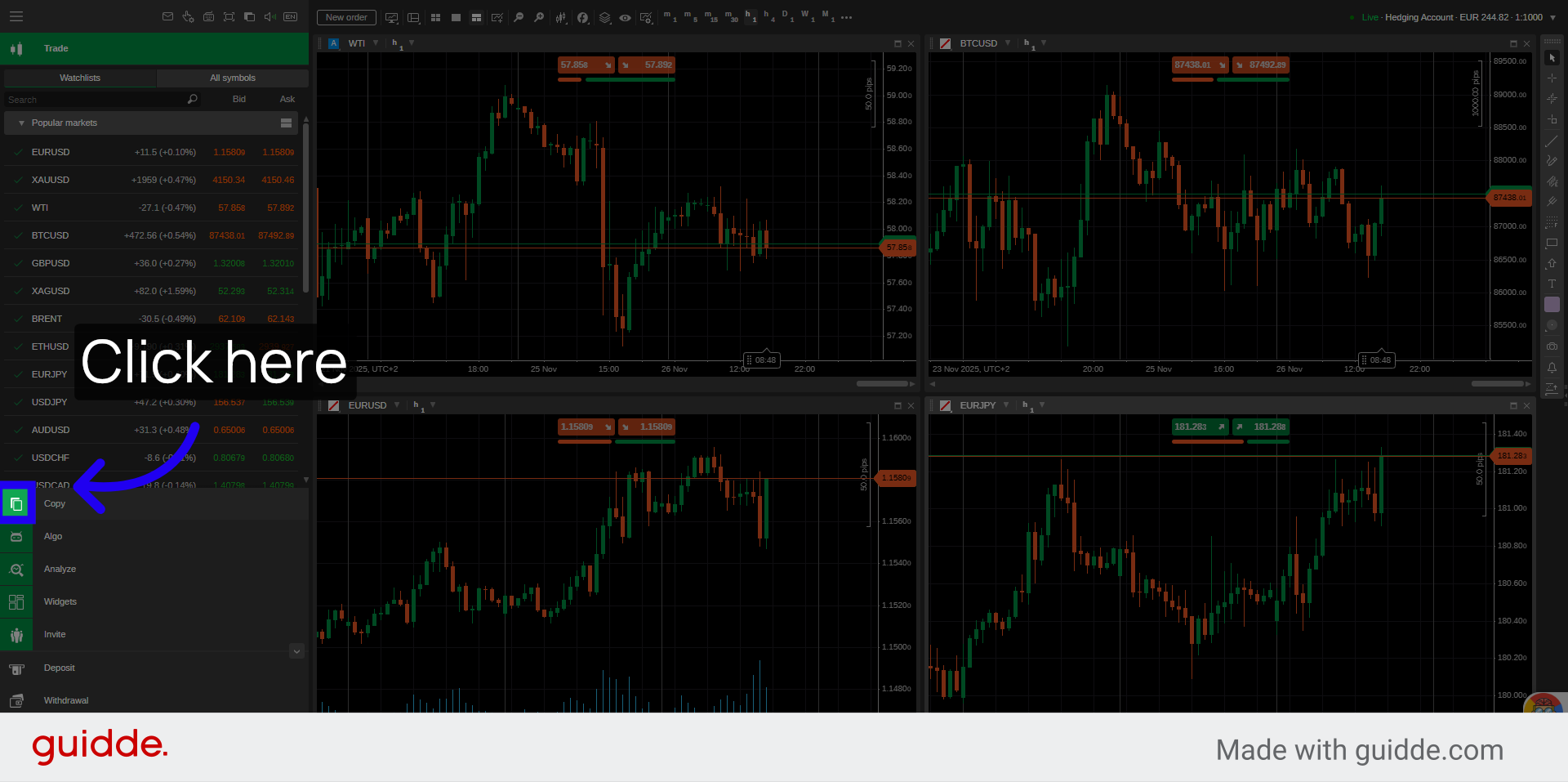
1. Access Copy Trading Section
Click from the left side of your platform the "copy" menu button.
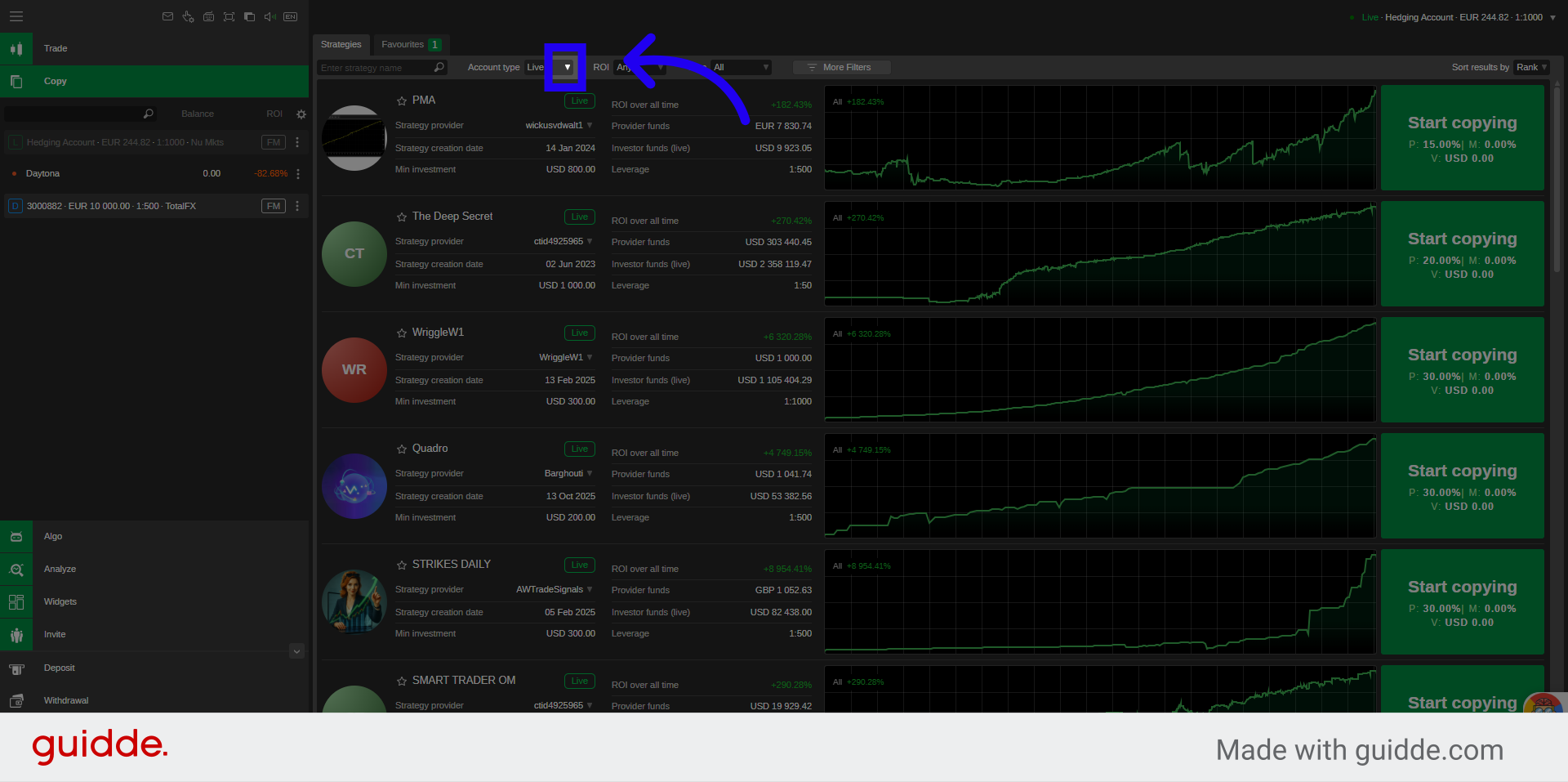
2. Open Strategy Filters
Sort your list from the filter options such as Live or Demo Accounts to refine the list of available trading strategies.
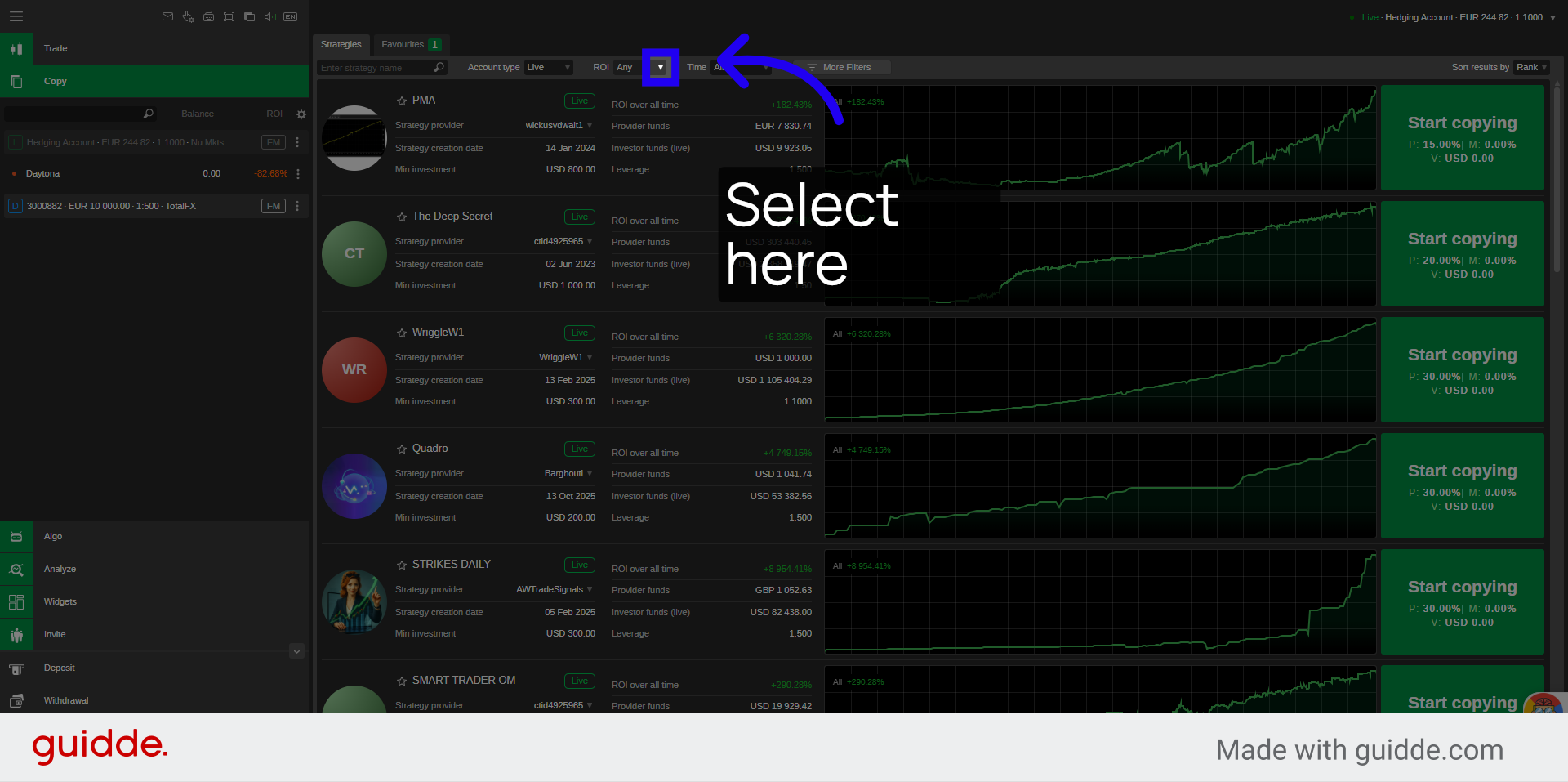
3. Select ROI Filter Options
Select the filter for Return On Investment results.
4. Choose Minimum ROI Filter
Review the strategies stats and leverage usage with the specific ROI for example "> 15%".
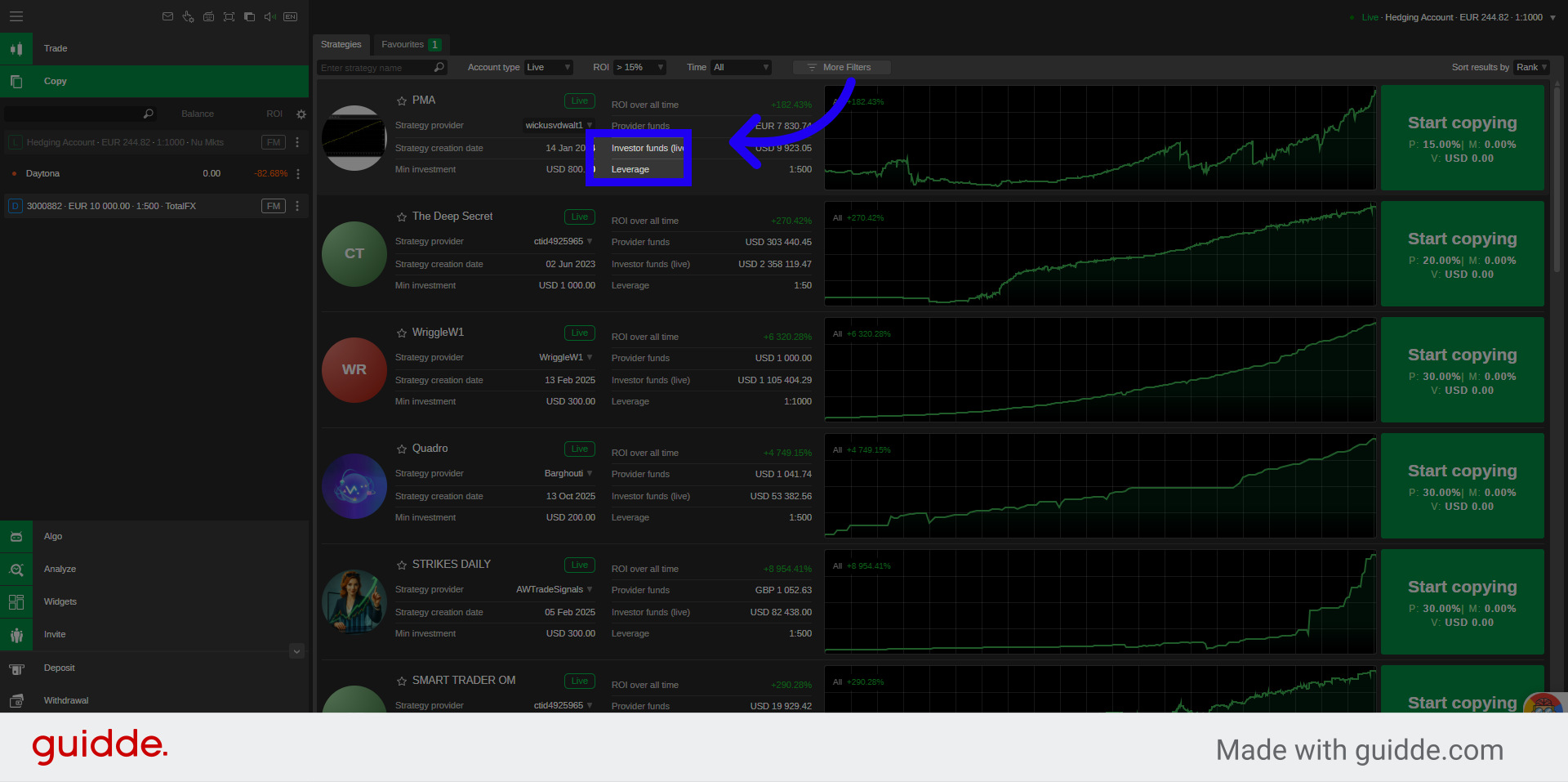
5. Apply Additional Filters
Choose the period the strategy has been Live - therefore consistent to your expected time period.
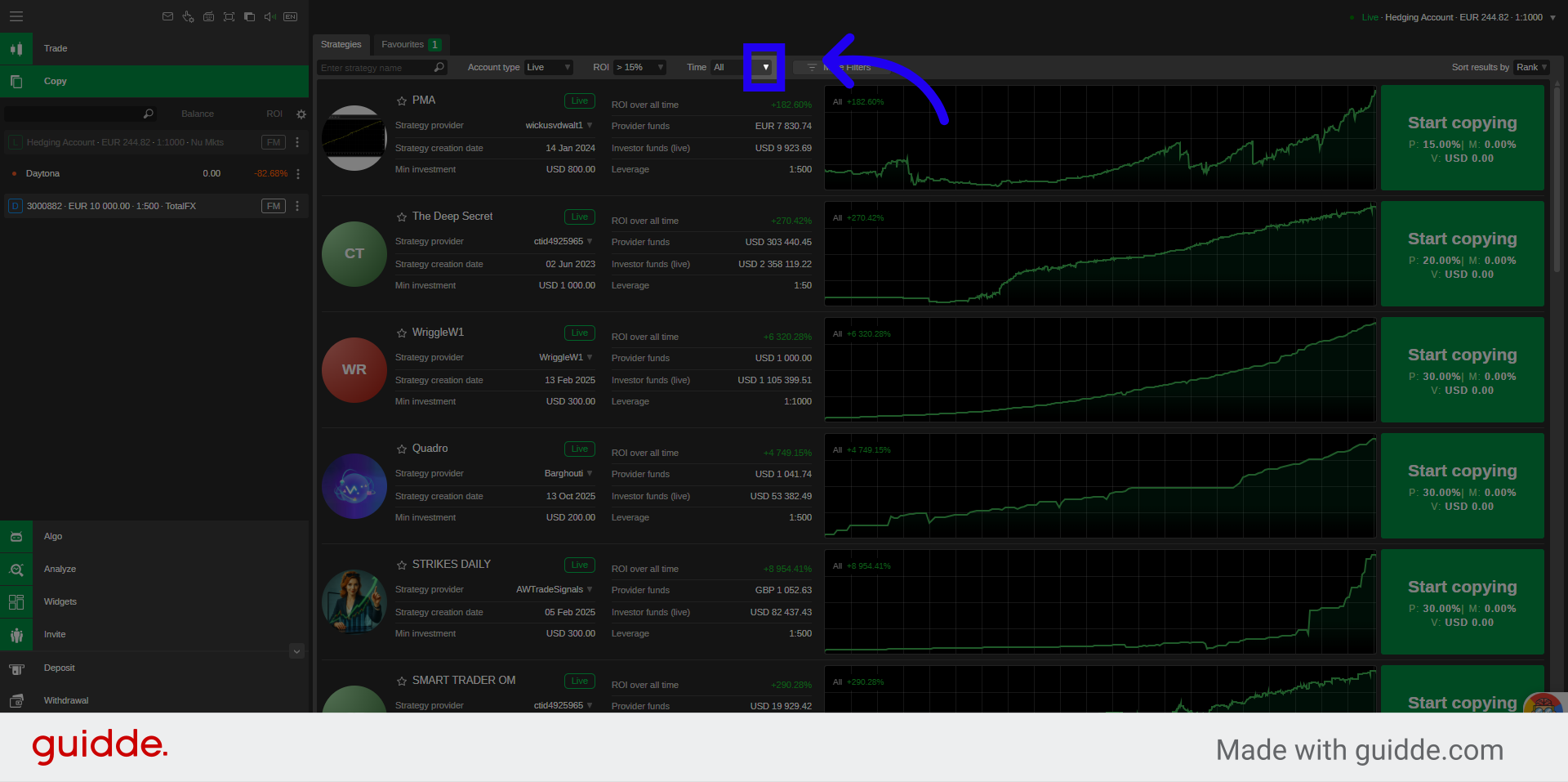
6. Review Investment Duration
Review the period the strategy performed the given results, for example "3 months".
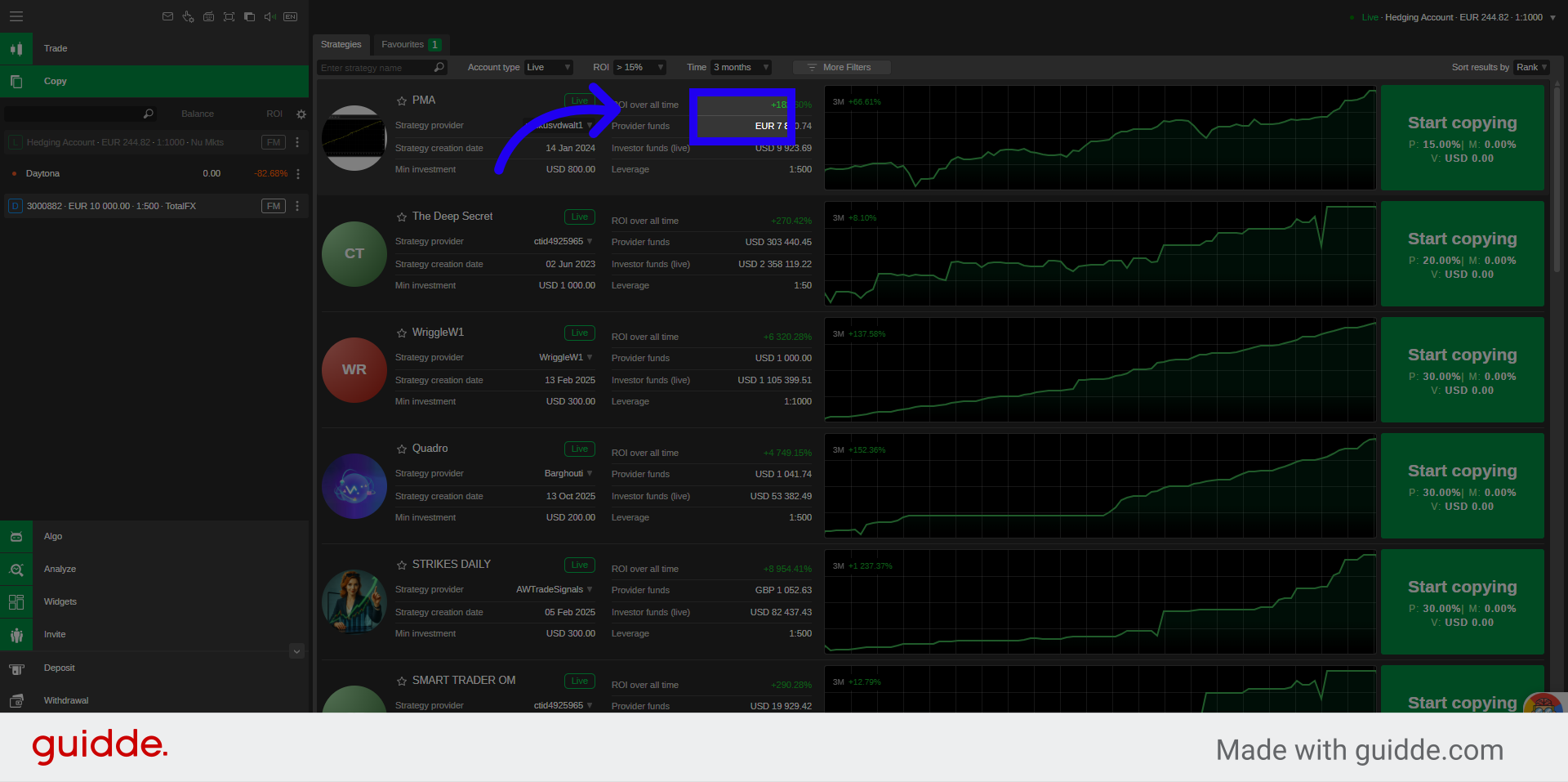
7. View Strategy Details
Click the strategy provider's name and details to review the selected trading strategy's information.
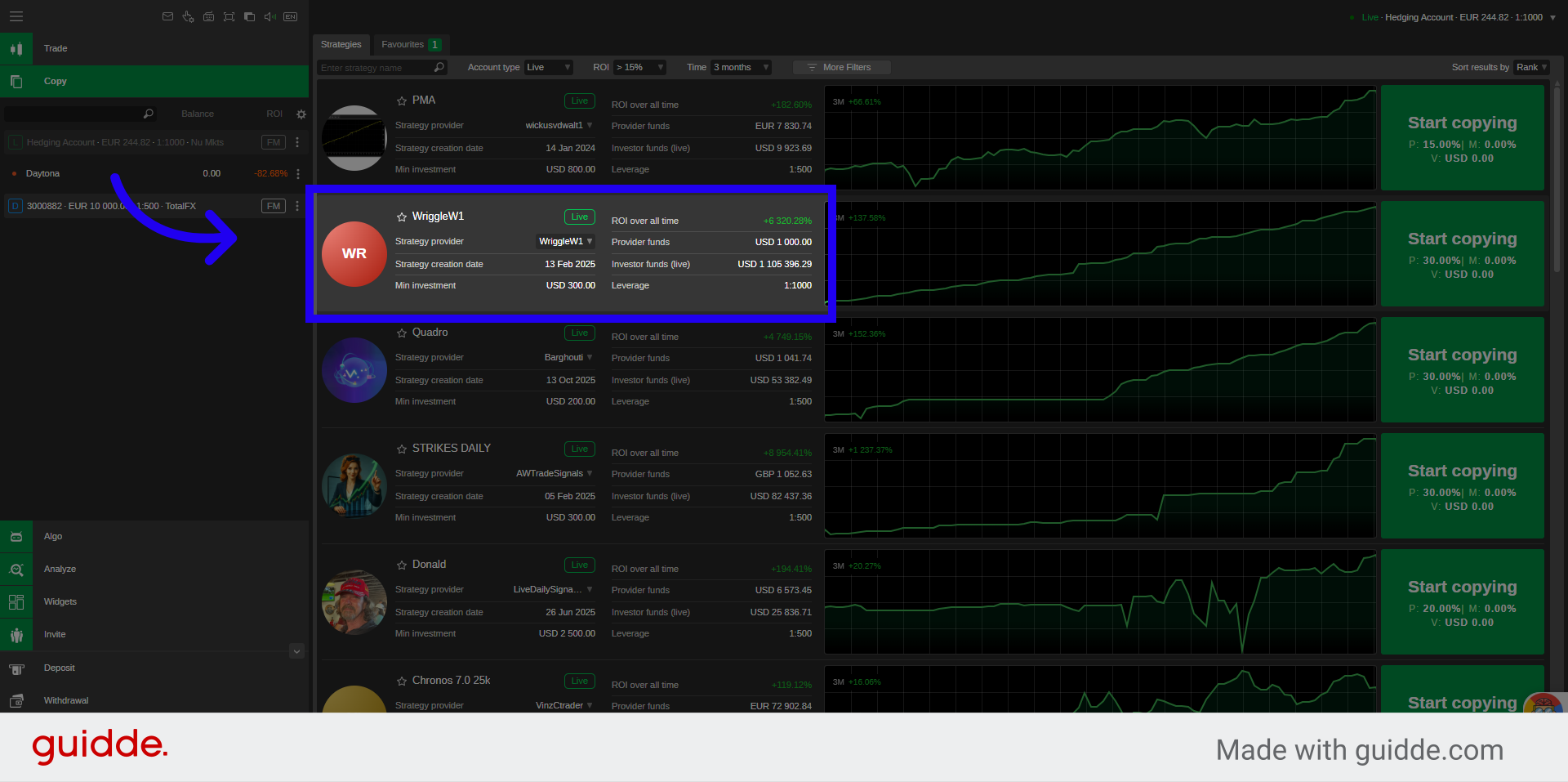
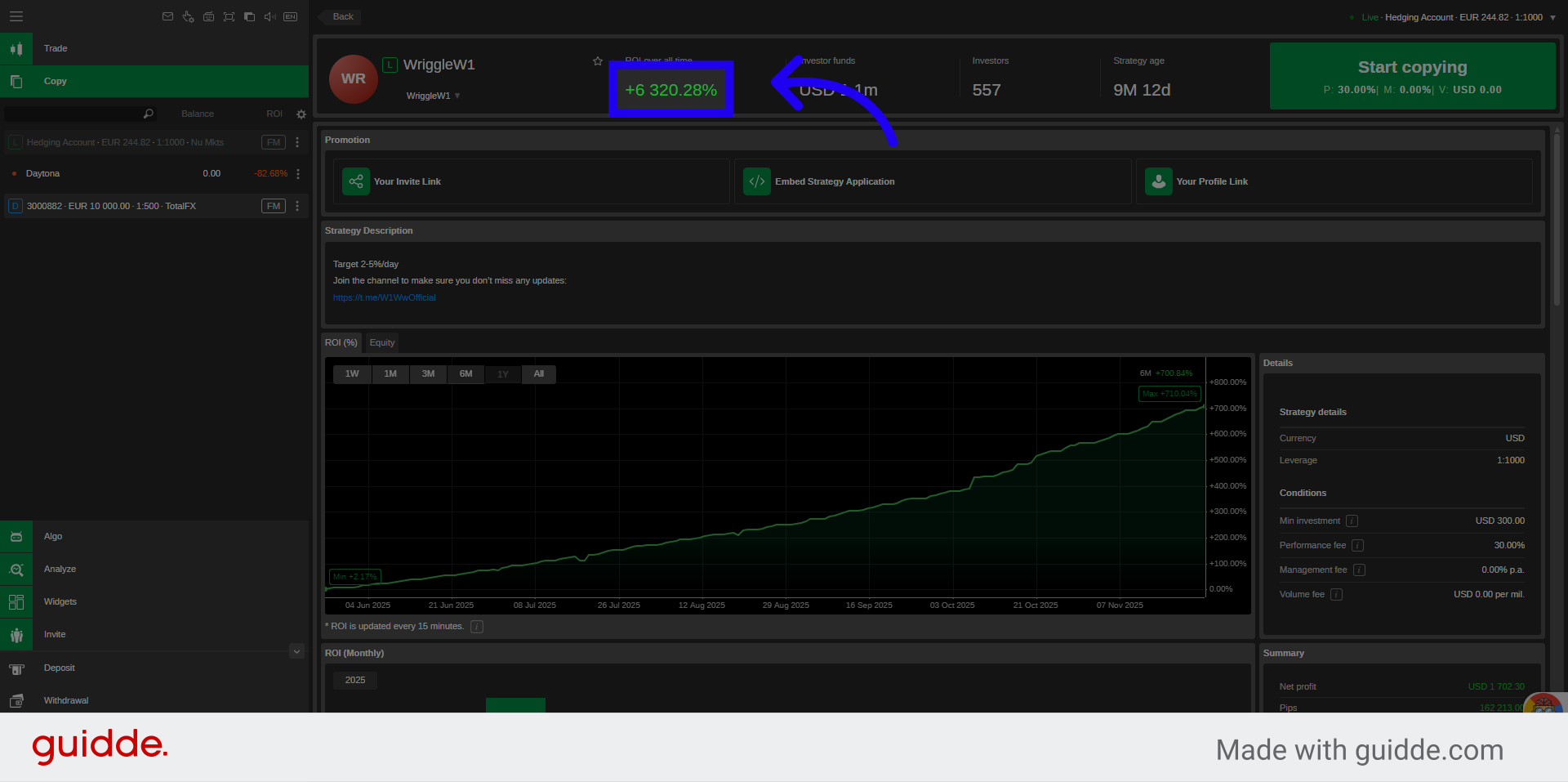
8. Review Overall ROI
Review the displayed ROI percentage to examine the strategy's overall return on investment.
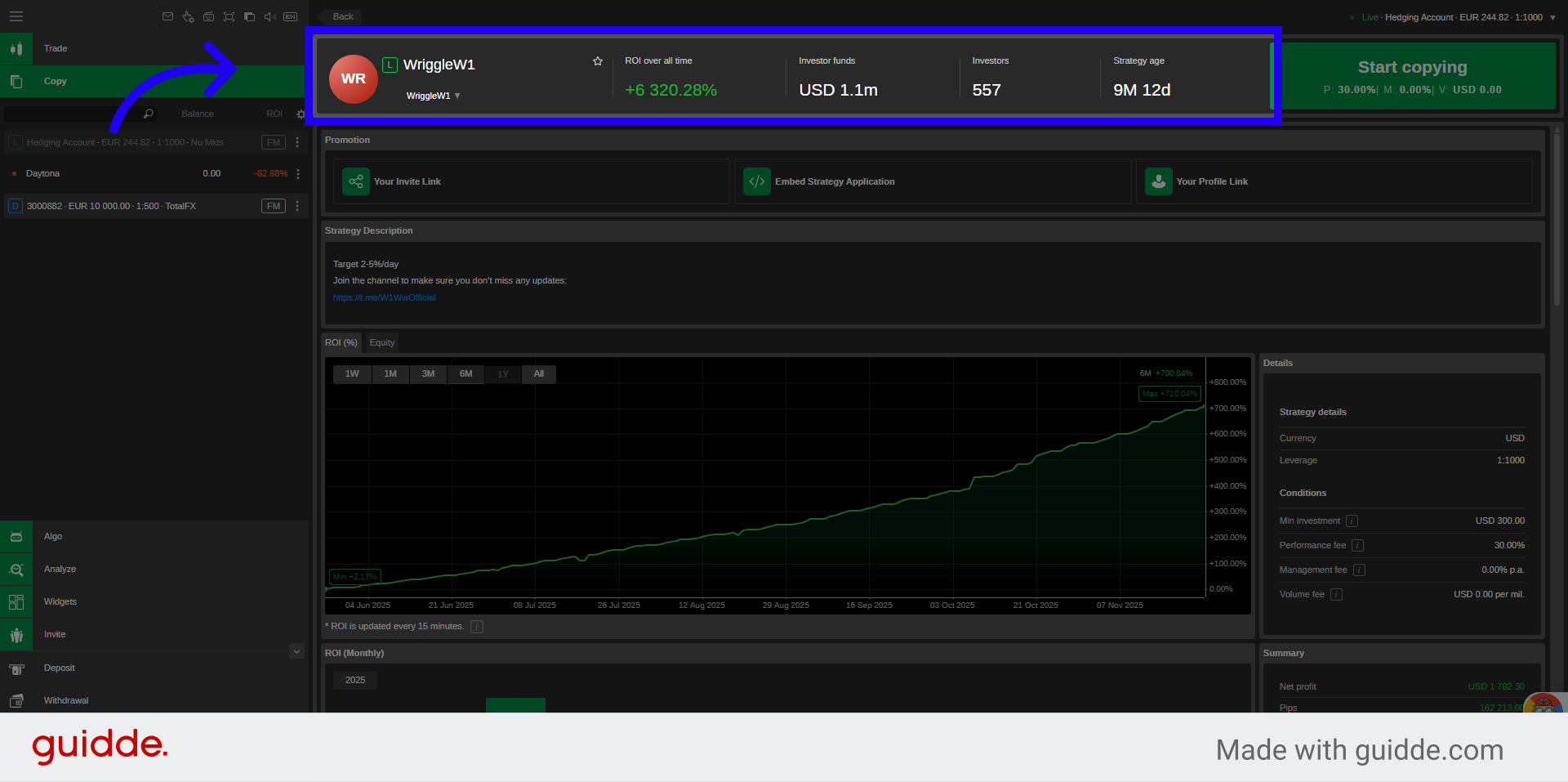
9. Review Strategy Summary
Check out the strategy summary section to see major statistics: including total investor funds, number of investors, and strategy age.
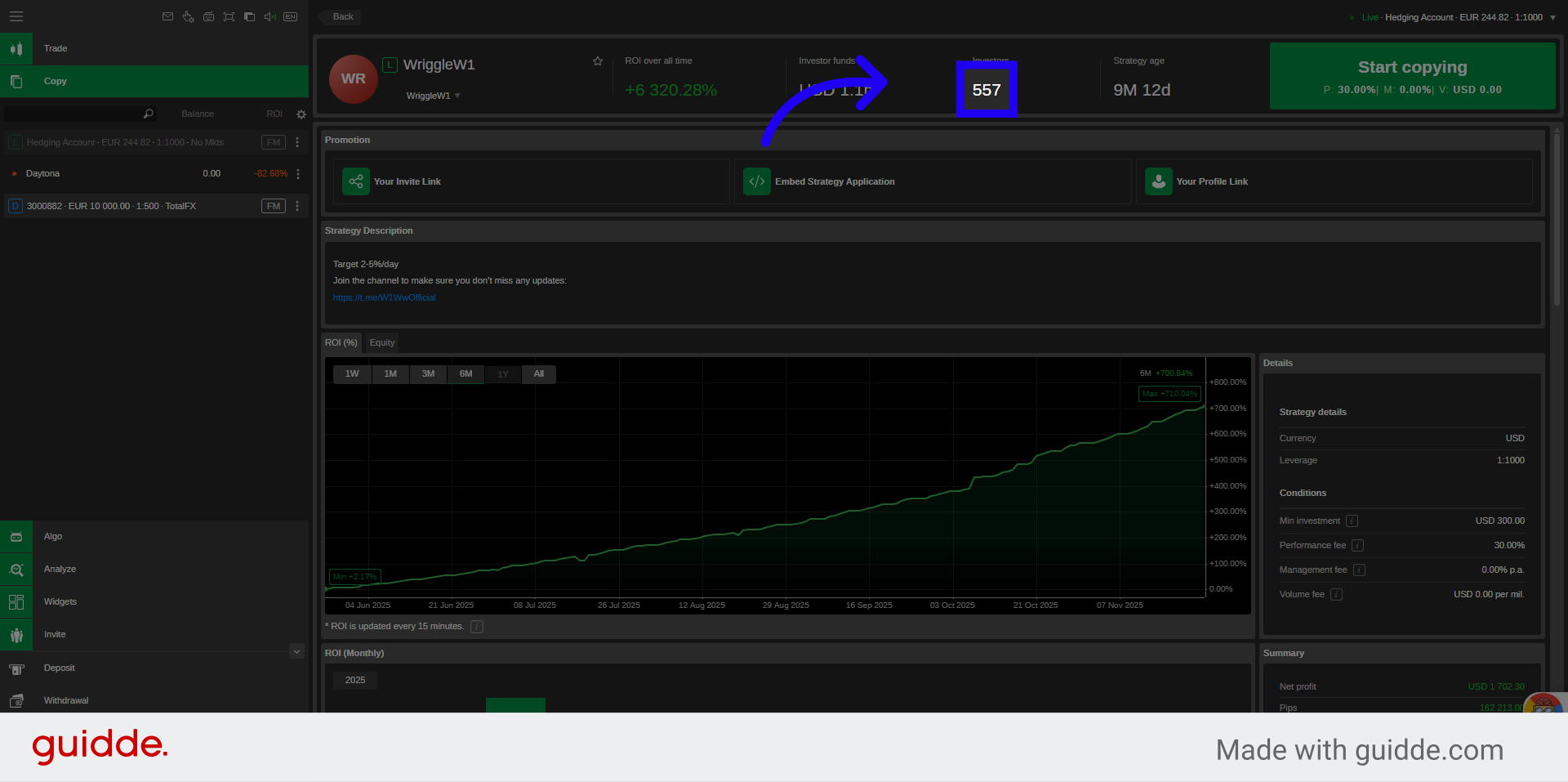
10. View Investor Count
Here is the number of investors, to see how many users are copying this strategy.
11. Strategy Detailed Stats
Find out more about Net profits. In Currency Amount, In Pips, Percentage, Amount of Deposits, Withdrawals and many more.
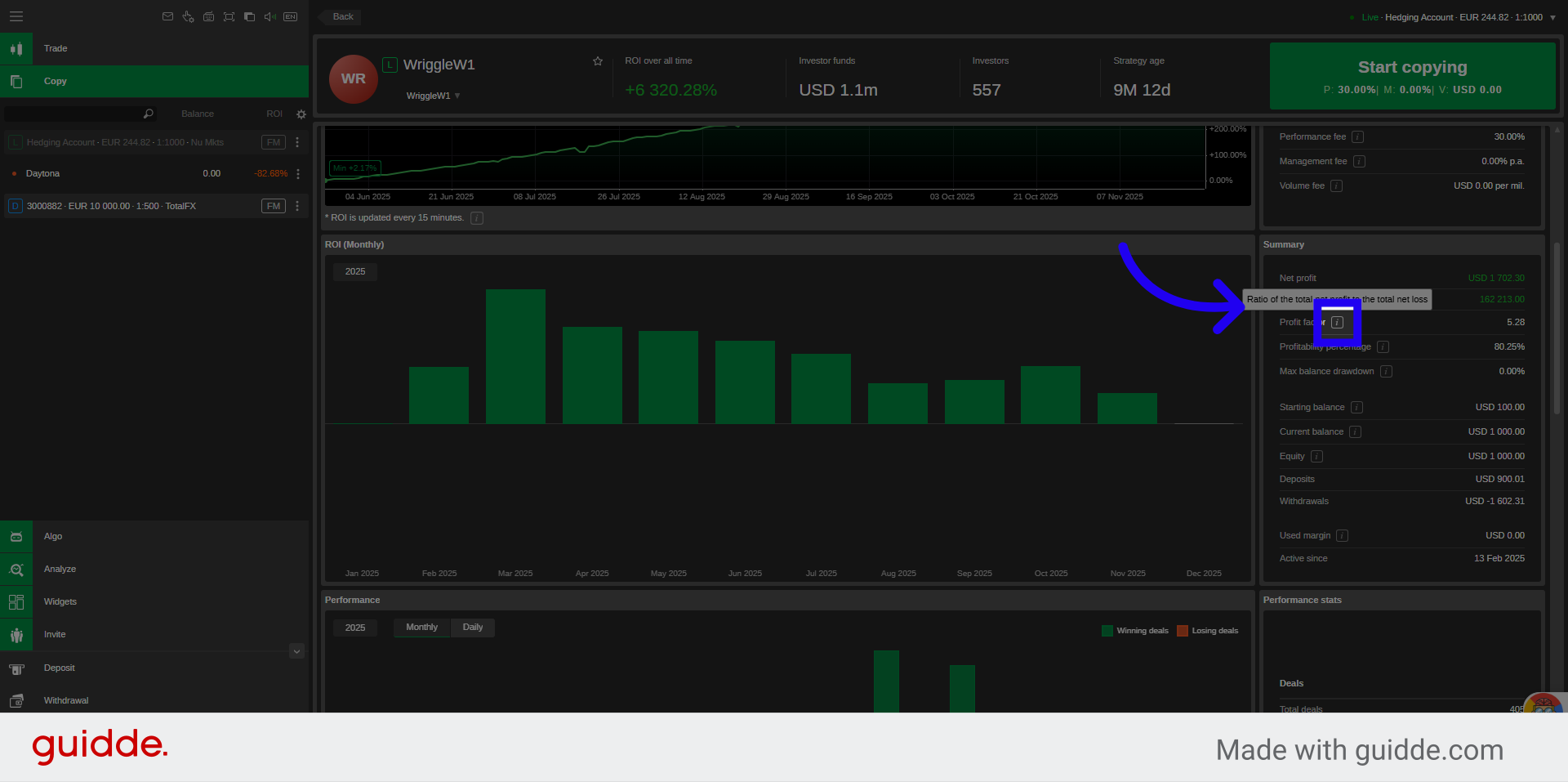
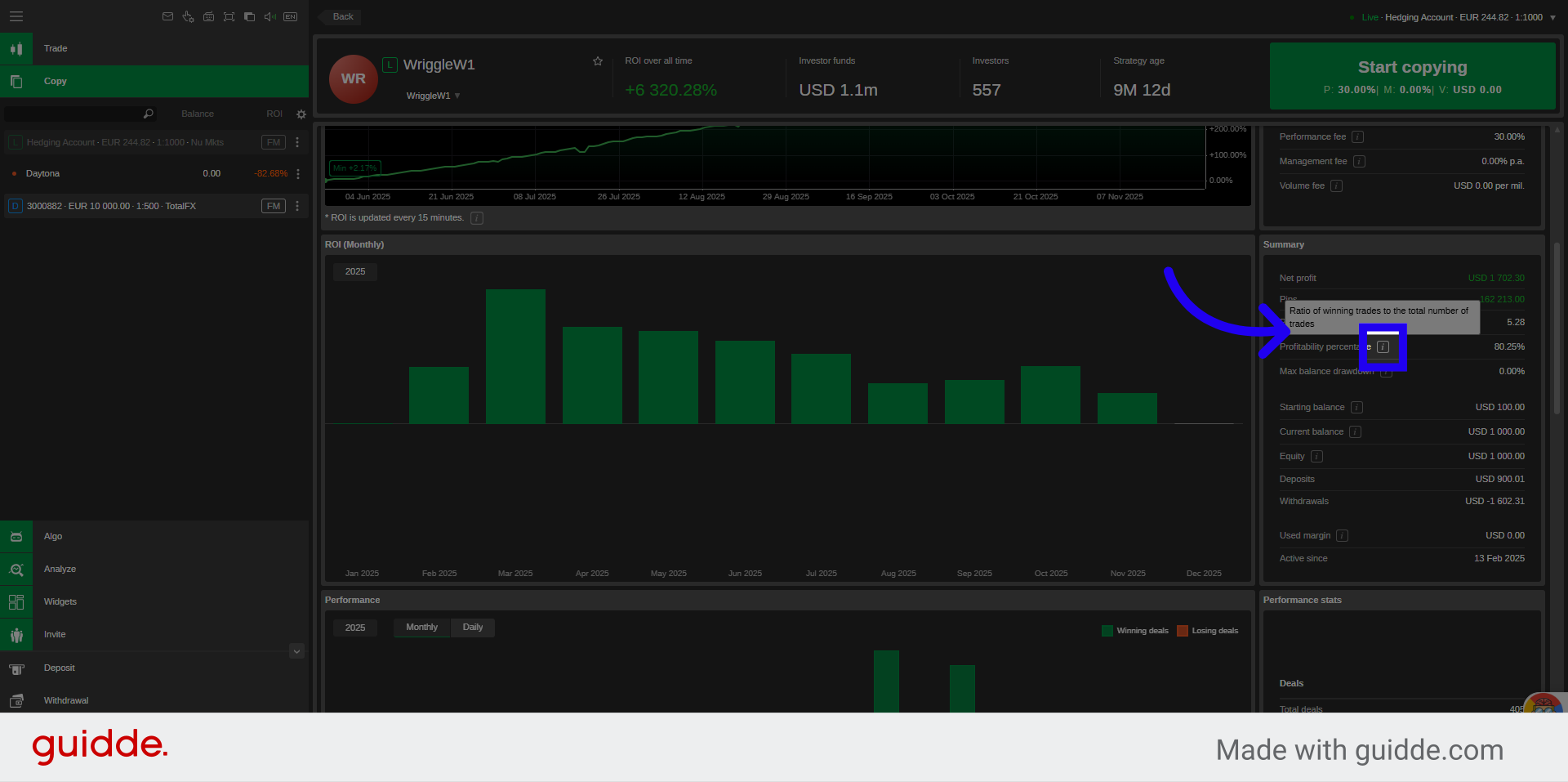
12. Explainer Pop Ups
Explainer Pop Up Windows available for defining each value.
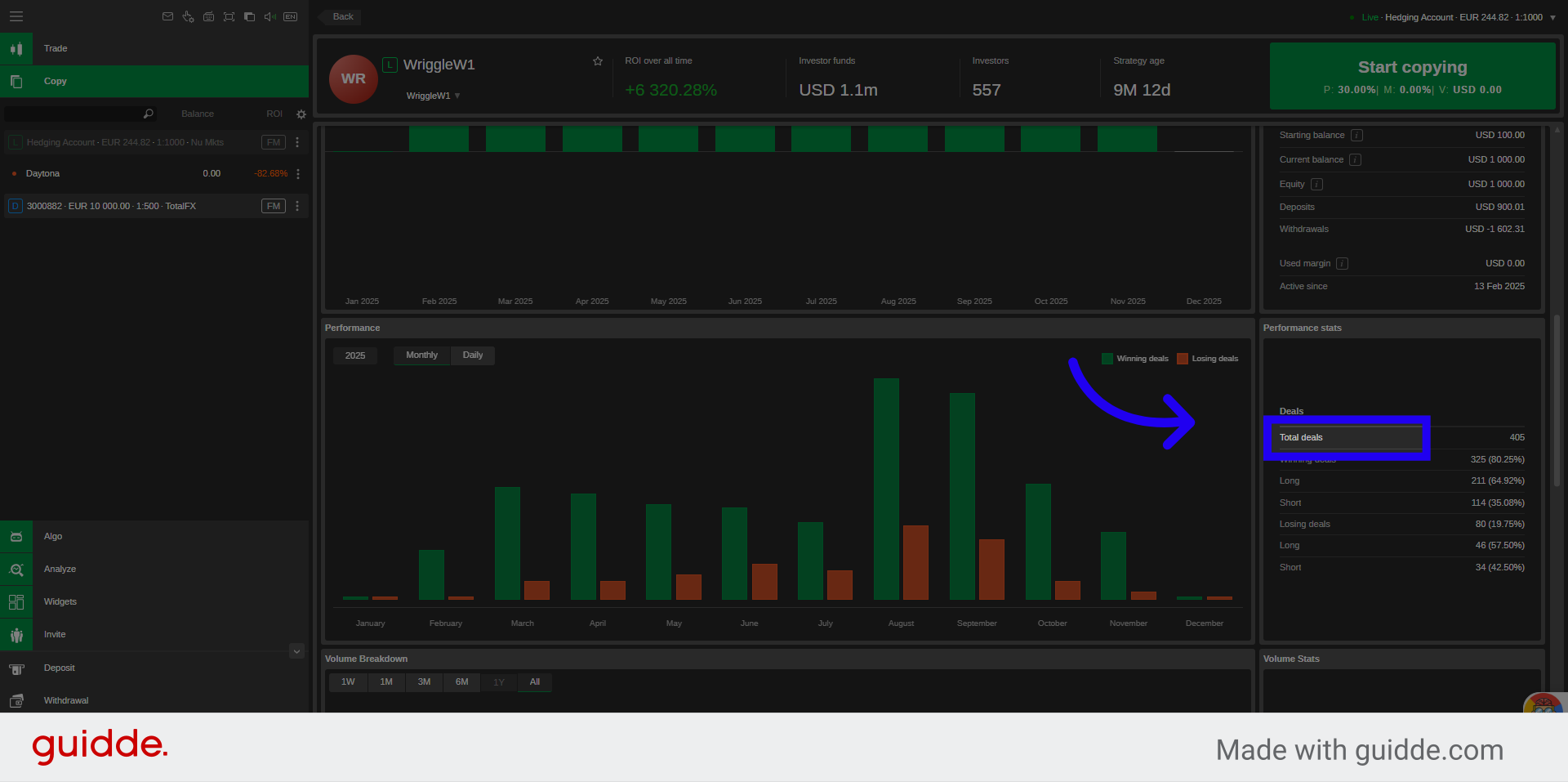
13. Review Performance Stats
Review performance stats such as: Total Trades Executed, Winning and Losing Trades in numbers, and percentage of short and long positions taken.
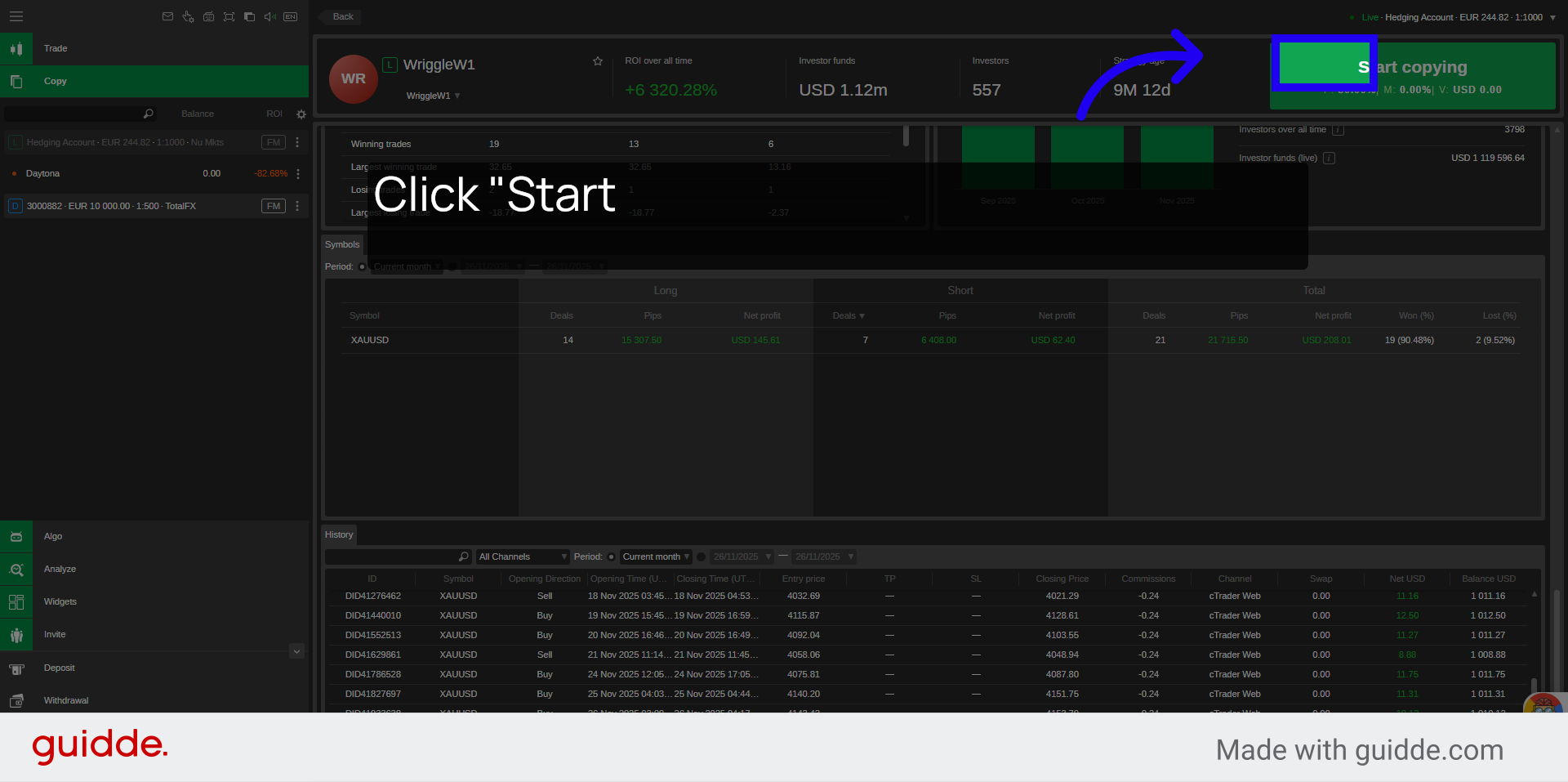
14. Click Start Copying
Click "Start" to copy the strategy of your choice, which you can stop at any time after.
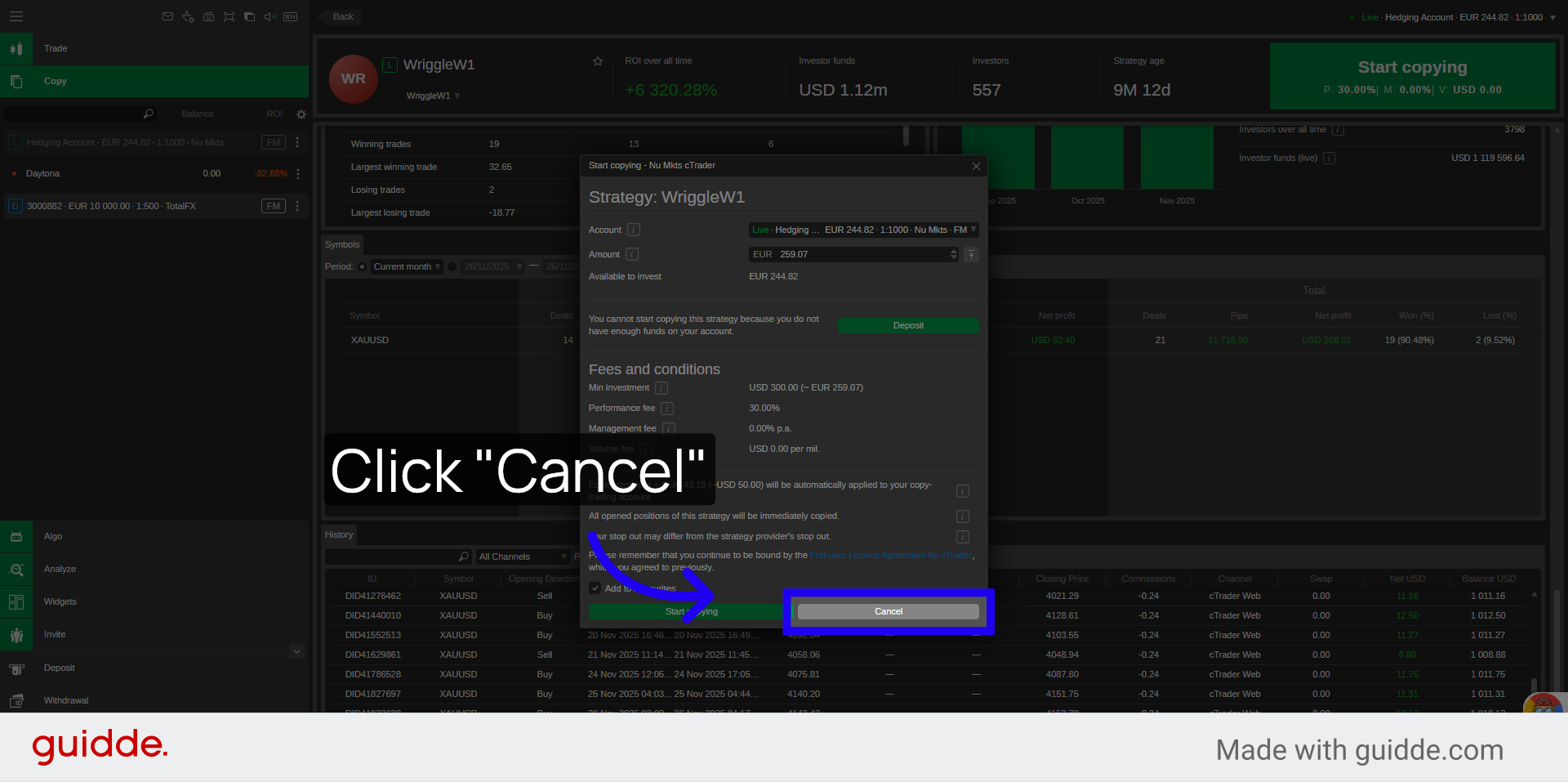
15. Click "Cancel"
Click on "Cancel" if you decided not to proceed with the copying of that specific strategy.
You have successfully learned how to select and start copying a trading strategy using the cTrader New Markets platform. This process enables you to replicate trades from experienced providers to potentially enhance your investment outcomes.